Balance every till and look after every guest

Box office staff sell to walk-ups and balance the tills each night. VIP hosts hear when their guests arrive, and fans pay at the bar with their wristband.

Ticket Fairy Event Operating System: Front of house
  • Tills that balance every night
  • VIP guests welcomed by their host
  • Fans pay at the bar with wristbands

Balance your box office at the end of each night

Your box office team sells walk-up tickets, hands over will-call and reprints tickets. Start each till with its cash float. At the end of the night, the reconciliation shows what each till took and whether the cash matches.

  • Walk-up sales: by card or cash
  • Will-call and reprints: find the order and hand the tickets over
  • Float and end of day: what each till took, checked against the cash

Check ages once and serve with confidence

Door staff see each guest's age status when they scan the ticket, and mark the wristband or pass as ID checked. Your bar team logs each refusal, so you have a record of every one.

  • Age status on the scan: for each ticket at the door
  • ID checked: marked on the wristband or pass
  • Bar refusals: each refusal logged

Give VIP guests a host and a warm welcome

Set up your VIP areas and tables and give each guest a host. The host gets an alert the moment their guest arrives. Each ticket type lists what it includes, so your hosts know exactly what each guest gets.

  • VIP areas and tables: with a host for each guest
  • Arrival alerts: the host hears when their guest arrives
  • Ticket inclusions: what each ticket type includes

Keep merch stands stocked and artists paid their share

See the stock on each merch stand and bring in your sales from your point-of-sale system. You see each artist's share of their merch sales in their settlement.

  • Stock by stand: what each stand holds and has sold
  • Sales import: from your point-of-sale system
  • Artist merch split: in each artist's settlement

Put the timetable and map on fans' phones

Fans see your timetable and site map, build their own schedule and report lost property on your event page, and you email ticket holders when set times change.

  • Timetable and map: on your event page and your own website
  • Personal schedule: the sets and sessions each fan picks
  • Set-time email and lost property: changes emailed to ticket holders and a form to report a lost item

Take cashless payments on wristbands linked to tickets

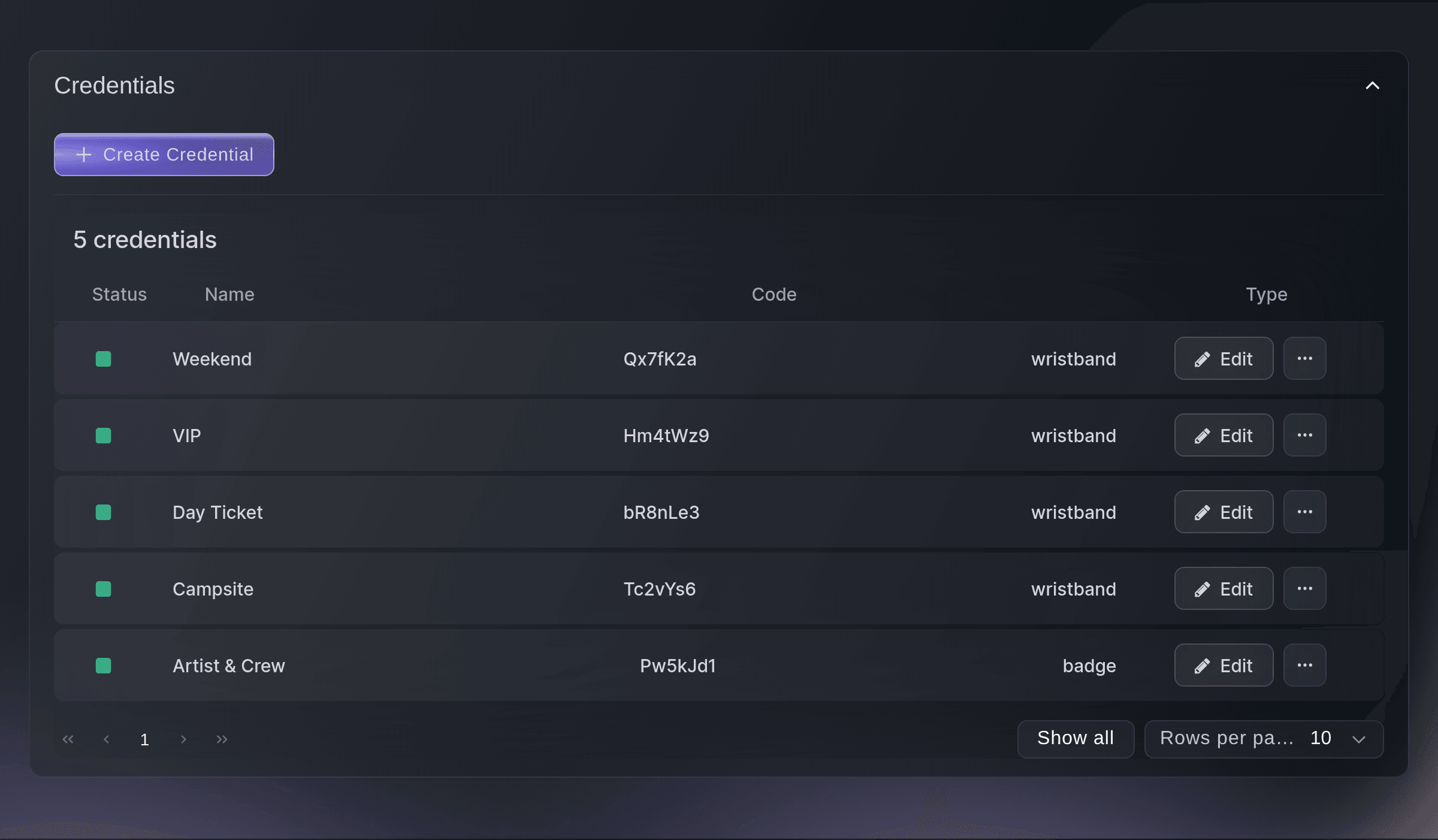
Link each wristband to its ticket, and fans top up at checkout and on your event page. After the event, fans get their unspent credit refunded. Your settlement shows what fans paid at each bar and trader.

  • Wristbands linked to tickets: each fan's wristband matched to their ticket
  • Top-ups and refunds: top up at checkout, unspent credit refunded
  • Takings by bar and trader: in your settlement

Welcome guests who need access support

Buyers ask for what they need at checkout, such as a companion ticket, a place on the viewing platform or sessions with a BSL interpreter. Your access desk works from a link, and your public map shows an access layer. Your accessibility team sees each request in their report.

  • Access requests at checkout: companion tickets, viewing platforms and interpreted sessions
  • Access desk link: for your access team on the day
  • Access map: an access layer on your public map
Get this page as a PDF Read it later or share it with your team. We email you a link to the PDF.
What to put in your PDF

We will email you this deck. We may also email you now and then about Ticket Fairy features that can help your events. You can unsubscribe at any time with one click.

Go Deeper Into Front of House

See how your team does each job in the dashboard, set it up step by step and get answers to your questions.

  • Box office & door

    Sell to walk-ups and balance each till, check ages once at the door, take access requests at checkout and let Fai match lost items to their owners.

  • VIP & merch

    Sell tables with deposits and give each VIP guest a host who knows when they arrive. See merch stock by stand and put each artist's merch share in their settlement.

  • Cashless & wristbands

    Link cashless RFID wristbands to tickets, let fans top up before the day and refund unused credit, and see takings by bar and trader in your settlement. Your timetable, site map and lost-property form sit on your event page.

Look after your guests at the gate, the desk and the bar

  • Box office

    Sell walk-up tickets, hand over will-call and reprint tickets at your box office.

  • Float and reconciliation

    Start each till with a cash float and balance it at the end of the night.

  • Age checks

    See each guest's age status on the scan and mark the wristband or pass as ID checked.

  • Bar refusals

    Your bar team logs each refusal, so you have a record.

  • VIP areas and tables

    Set up VIP areas and tables, with what each ticket type includes.

  • VIP hosts

    Give each VIP guest a host, who gets an alert when their guest arrives.

  • Merch

    See stock by stand, import sales from your point-of-sale system and split artist merch in the settlement.

  • Fan companion

    Give fans the timetable, map, their own schedule and a lost-property form on your event page.

  • Cashless and RFID

    Link wristbands to tickets, take top-ups, refund unused credit and see takings by bar and trader.

  • Access requests

    Take access requests at checkout and see each one in a report for your accessibility team.

  • Access desk and map

    Run your access desk from a link and show an access layer on your public map.

  • Lost property

    Log found items, take lost-item reports and hand items back to their owners.

    Learn more about Show day

  • Registration desk

    Check attendees in and print their badges at your desk or a self-service kiosk.

    Learn more about Registration & badges

Questions About Front of House

Front of house

By card, with a card reader or Tap to Pay on their phone, or in cash from the till's float. Card payments depend on what your payment processing account allows.

Door staff mark the wristband or pass as ID checked when they check it, so your bar team can see the check was done.

Ticket Fairy connects a cashless and RFID partner for you, and top-ups and payments run through them. Book a demo to talk through your bars and traders.

Fans get their unspent credit refunded after the event.

On your event page. Fans see the timetable, the map and their own schedule there.

The access support your event offers, such as a companion ticket, a place on the viewing platform or sessions with a BSL interpreter. Your accessibility team sees each request in their report.

Ready to Build a Stronger Event Business?

Book a live demo, and we will set up your first event on the Event Operating System with your team.

Start Selling Tickets Online

Sign up without a credit card and build a test event before you commit. Go on sale in minutes when you are ready.

No monthly subscription required for ticketing
Start selling tickets immediately
Ticketing tools included in the service fee
Get Started for Free Talk to Fai Now

Ask Fai, our AI assistant, about Ticket Fairy’s features, pricing and how it could work for your event.

No credit card required

Book a demo call

See the referral model that drives 20% more ticket sales on average, learn which campaigns sell tickets, answer buyers faster and keep queues moving.

45-Minute Video Call
Pick a Time That Works for You

The Ticket Fairy, Inc. is a fintech company and technology platform. The Ticket Fairy, Inc. is not a bank, financial institution, or regulated financial services provider. Vault banking services are provided through regulated banking partners. Ticket Fairy Capital financing is provided by third-party private credit partners. The Ticket Fairy, Inc. does not make credit decisions, and all funding terms, approvals and conditions are determined by those lending partners.