
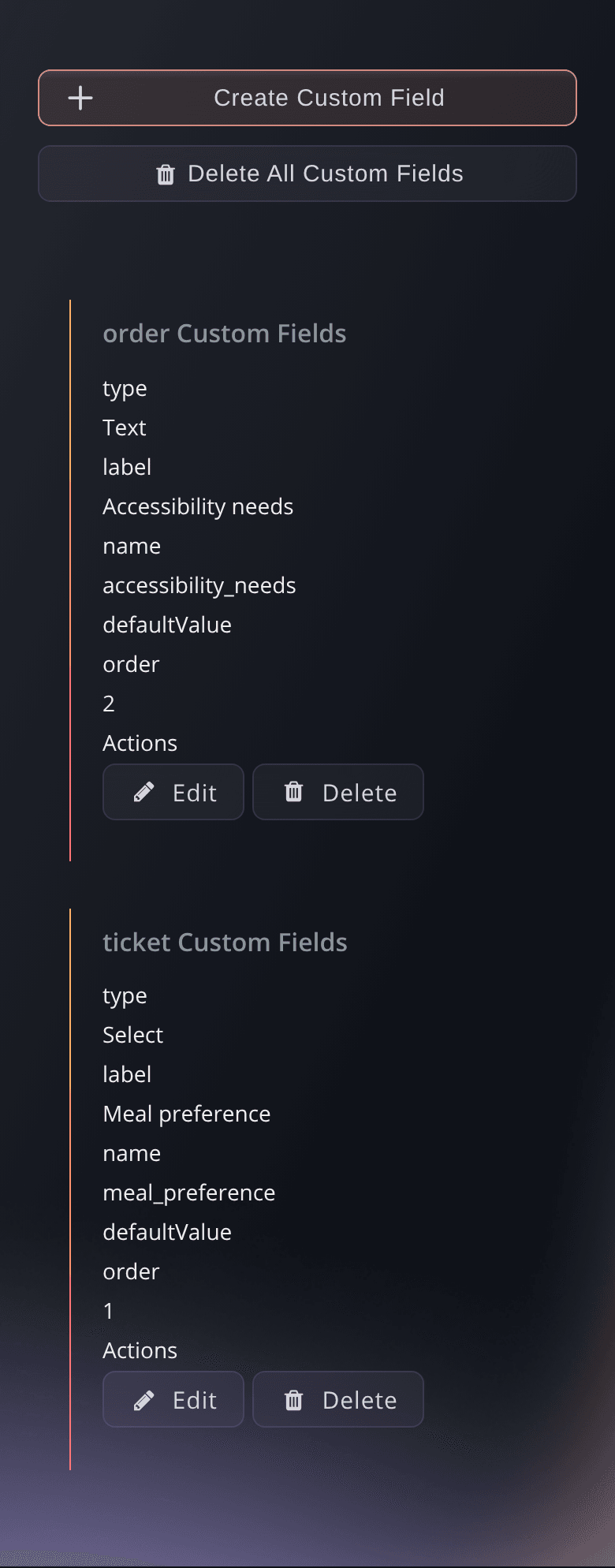
Ask Each Buyer What Your Team Needs to Know
Add your own questions to checkout, such as a meal choice, an access request or a company name. Choose whether each answer belongs to the whole order, to each ticket holder or to an add-on, and whether buyers can leave it blank. Offer a list of choices or let buyers enter their own answer. Choose whether the answer appears on the buyer's ticket, on the ticket PDF and in the scanning app, so your door team sees it as each person arrives.
- Custom questions: text, phone, choices or an image upload
- Per order, ticket or add-on: one answer per purchase or one from each ticket holder
- Answers at the door: on the ticket, the PDF and the scan view when you choose

We’ll be right with you!
Thank you for your patience
We are using a virtual queue to limit the amount of users on the website at the moment.
This will ensure you have the best possible online experience.
If this page is taking longer to load than expected, or tried multiple times and it is still not loading, please contact support at [email protected].
This page will automatically refresh, please do not close your browser.
Last updated