Start Any Message in Seconds
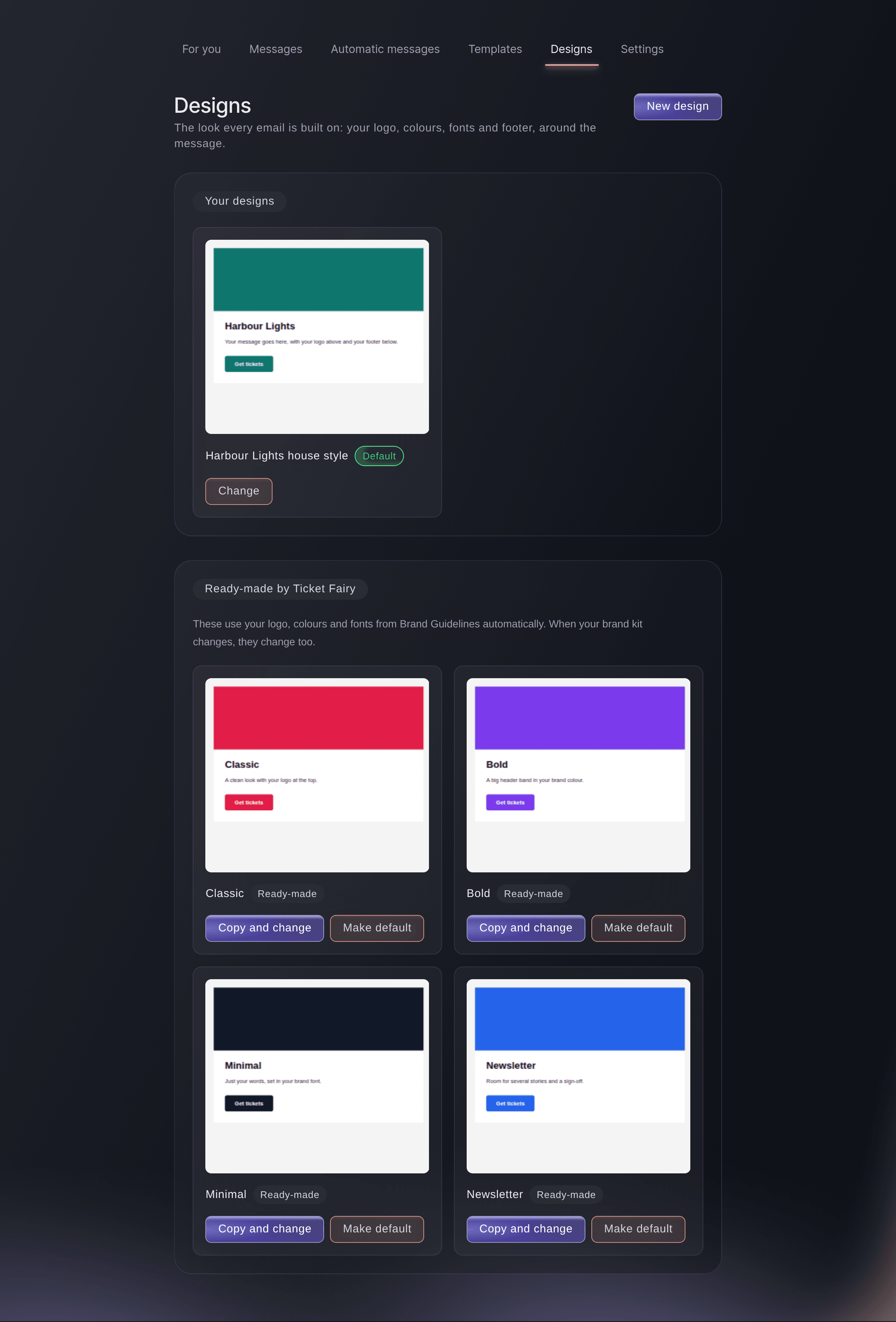
Every new email or text starts the way that suits the job: a blank message, one of your templates or a ready-made one, or an email Fai designs for you. Tell Fai what the email is about and she designs it in your brand style, with your event and a ticket button, ready for you to change.
Messages lists every email and text your team has drafted, scheduled or sent, with its status, who it went to and how it did. Filter by Drafts, Scheduled, Sent or Not sent, by email or text, or by event, and search by name or subject.
In the week of a show you only care about one event. Messaging opened from that event shows only its messages, its automatic messages and its templates, and every new email or text you start there is already about that event.
- Start from a blank message: block by block or in the plain editor
- Let Fai design it: your brand style, your event and a ticket button
- Start from a template: your team's wording or a ready-made one