
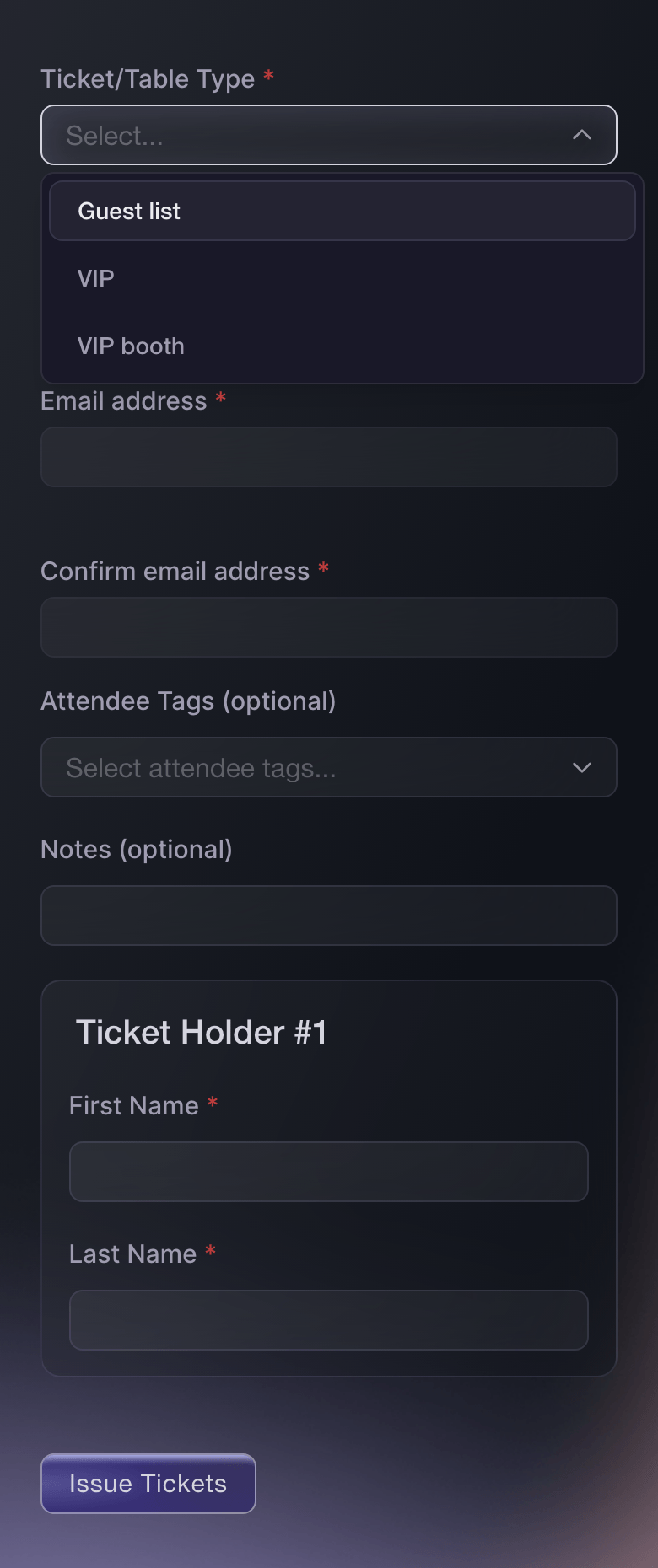
Send Every Guest a Ticket That Scans at the Door
Pick the ticket type and how many tickets, enter the guest's email address and the name on each ticket, and send. Each guest gets a ticket with its own barcode, so the door team checks them in as quickly as a paying buyer and nothing is checked against a printout. Send a whole list at once by uploading a spreadsheet, starting from the template on the page. You can also start from Issue Guest Ticket on your dashboard home and choose the event there.
- Guest tickets: a barcode for every name, sent by email
- Upload a list: names, emails, ticket types, add-ons and notes from a spreadsheet
- From your home page: Issue Guest Ticket for any of your upcoming events

We’ll be right with you!
Thank you for your patience
We are using a virtual queue to limit the amount of users on the website at the moment.
This will ensure you have the best possible online experience.
If this page is taking longer to load than expected, or tried multiple times and it is still not loading, please contact support at [email protected].
This page will automatically refresh, please do not close your browser.
Last updated