
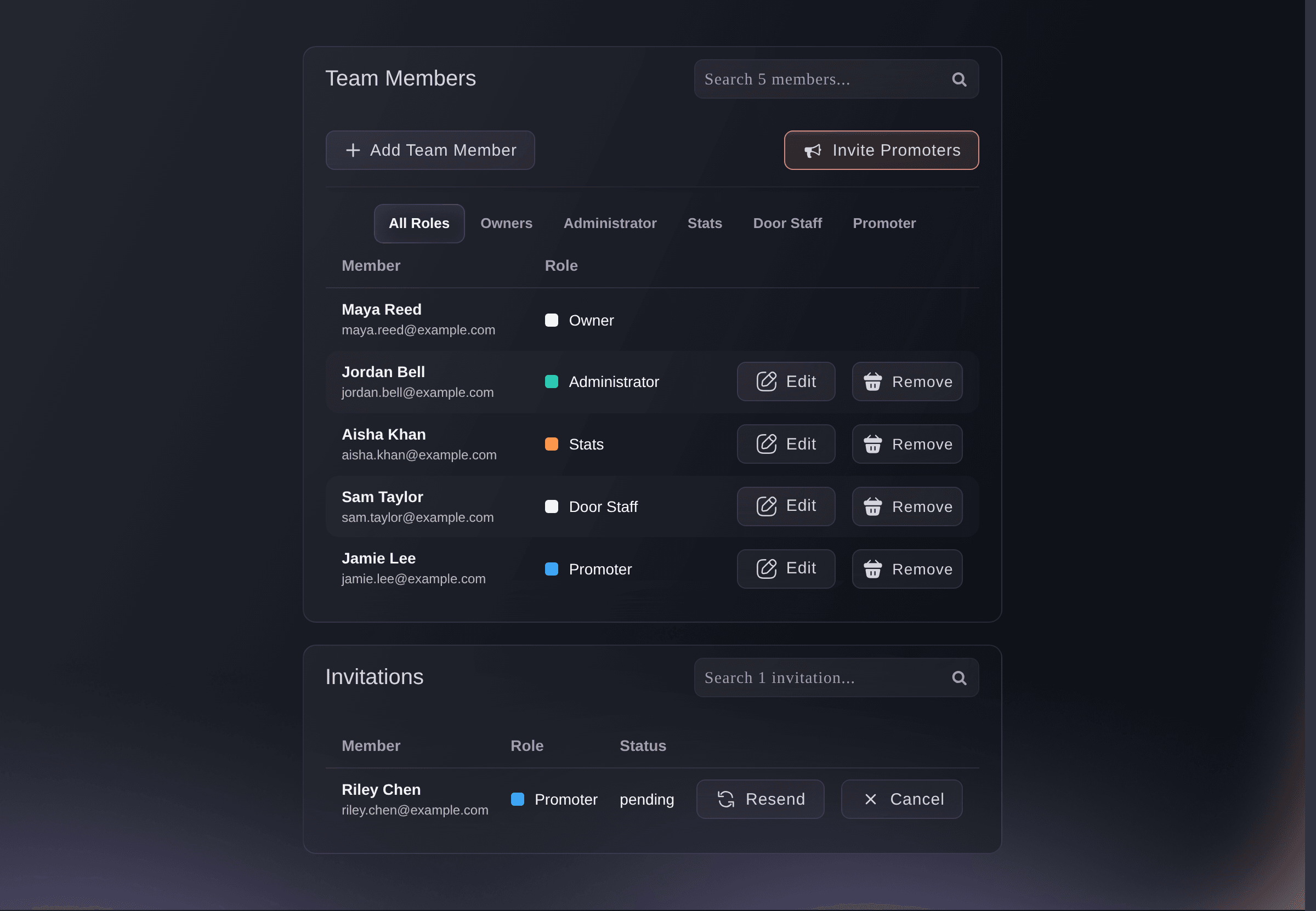
Give Each Person the Access Their Job Needs
Invite people by email and choose a permission level for each of them. Give your accountant every report, your door manager the scanning app and nothing else, and a promoter their own link and their own sales. Add your permanent people to the brand once and they reach every event under it, now and later, while a visiting promoter or door staff for one night get access to that event only. You see who has not accepted yet, and you can send an invitation again, cancel it, change a role or remove someone at any time.
- Permission levels: from owner and administrator to stats, support, promoter and door staff
- Brand or event access: every event under the brand, or one event that ends with it
- Promoter join link: one link a whole group uses to join as promoters

We’ll be right with you!
Thank you for your patience
We are using a virtual queue to limit the amount of users on the website at the moment.
This will ensure you have the best possible online experience.
If this page is taking longer to load than expected, or tried multiple times and it is still not loading, please contact support at [email protected].
This page will automatically refresh, please do not close your browser.
Last updated