
Claim Your Venue's Page in a Few Minutes
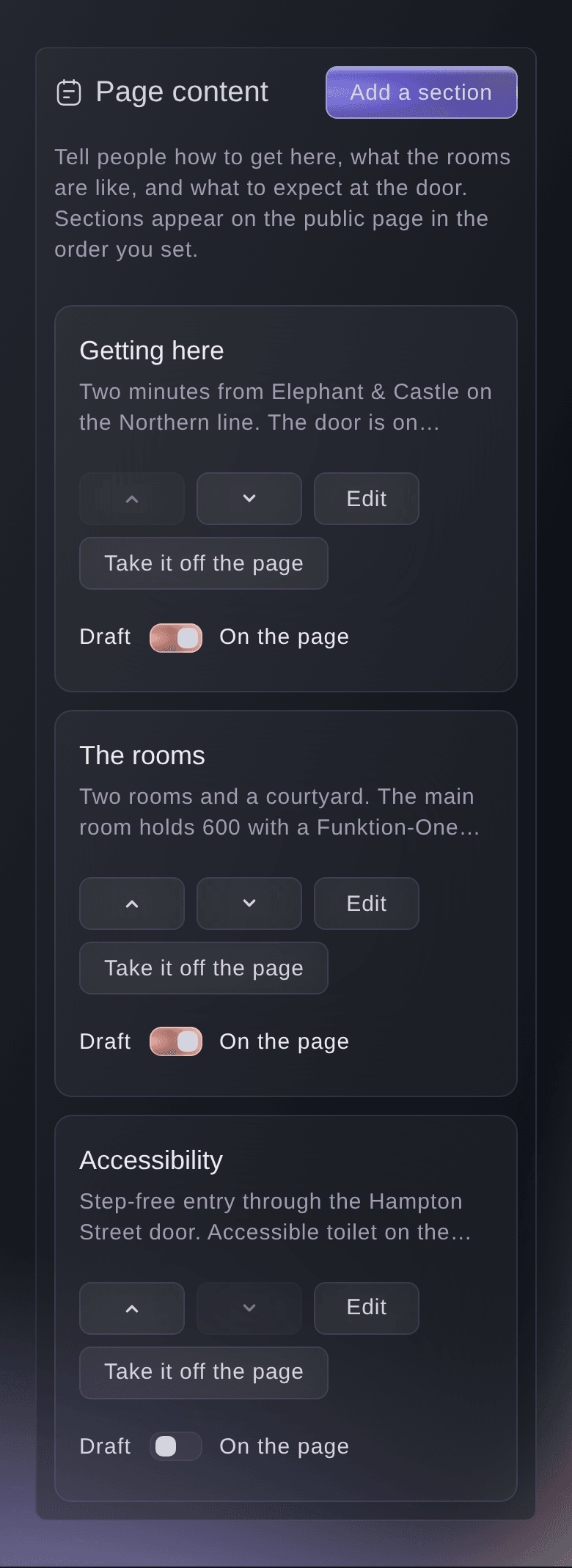
Open your venue's page on Ticket Fairy, enter your venue email address and enter the code we send there. Say whether you run the venue or work with the team there, then create your account. Claiming creates a brand of your own to look after the page, so you can start with no Ticket Fairy account. From then on, the page tells visitors about your venue in your own words.
- Claim by email code: a code sent to your venue email address
- Your account and brand: made as you claim the page
- Free page: free whether or not you sell tickets with us

We’ll be right with you!
Thank you for your patience
We are using a virtual queue to limit the amount of users on the website at the moment.
This will ensure you have the best possible online experience.
If this page is taking longer to load than expected, or tried multiple times and it is still not loading, please contact support at [email protected].
This page will automatically refresh, please do not close your browser.
Last updated