The template that fits your events, marked for you
When you create an event, the template that fits your events is marked Suggested for you, with the reason.
When you create an event, the template that best fits the events you run is now marked for you. You spend less time choosing and filling in details you have already given.
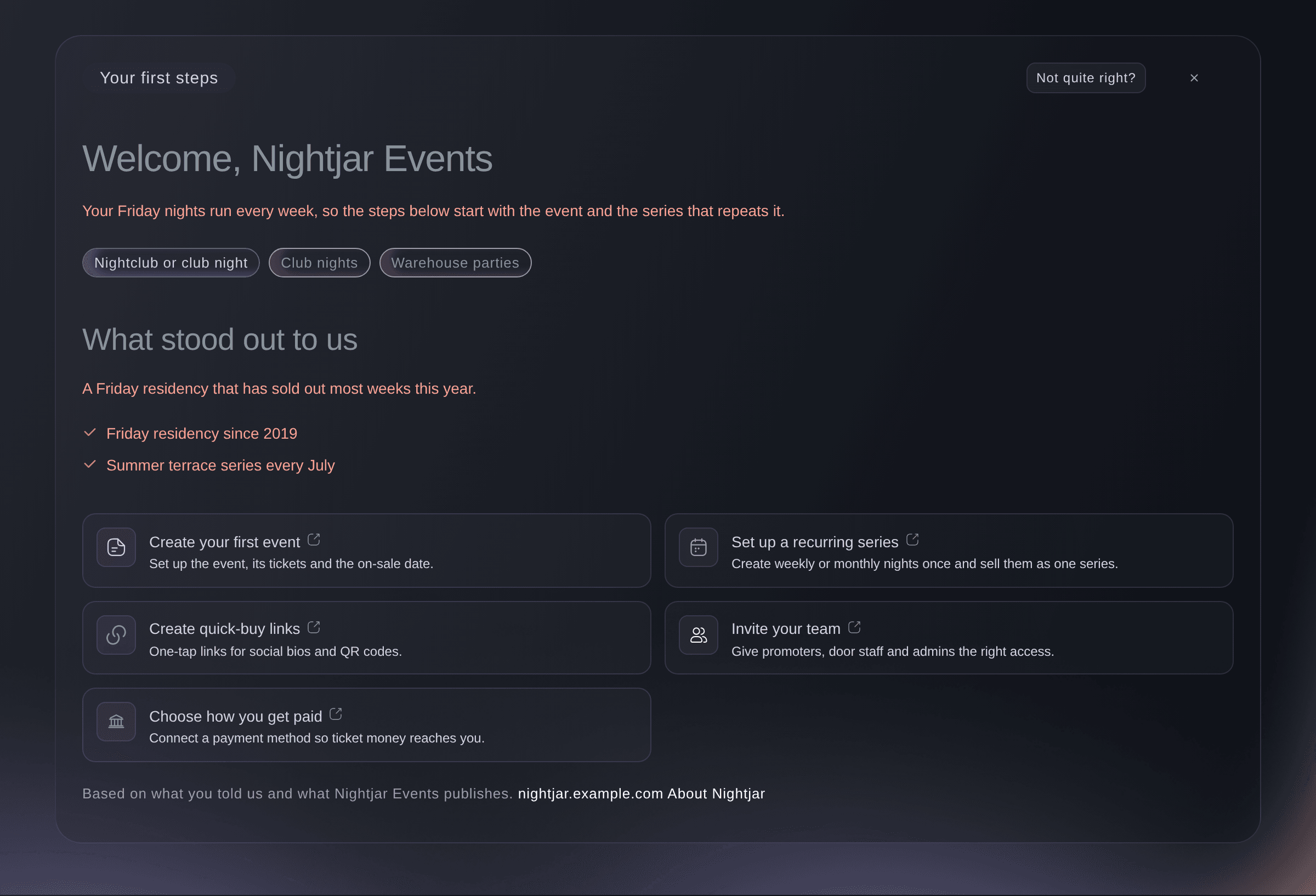
Create an event and look for the template marked Suggested for you in the gallery. The reason shows with it: what you told Fai about your events, or the template your last event was created from.
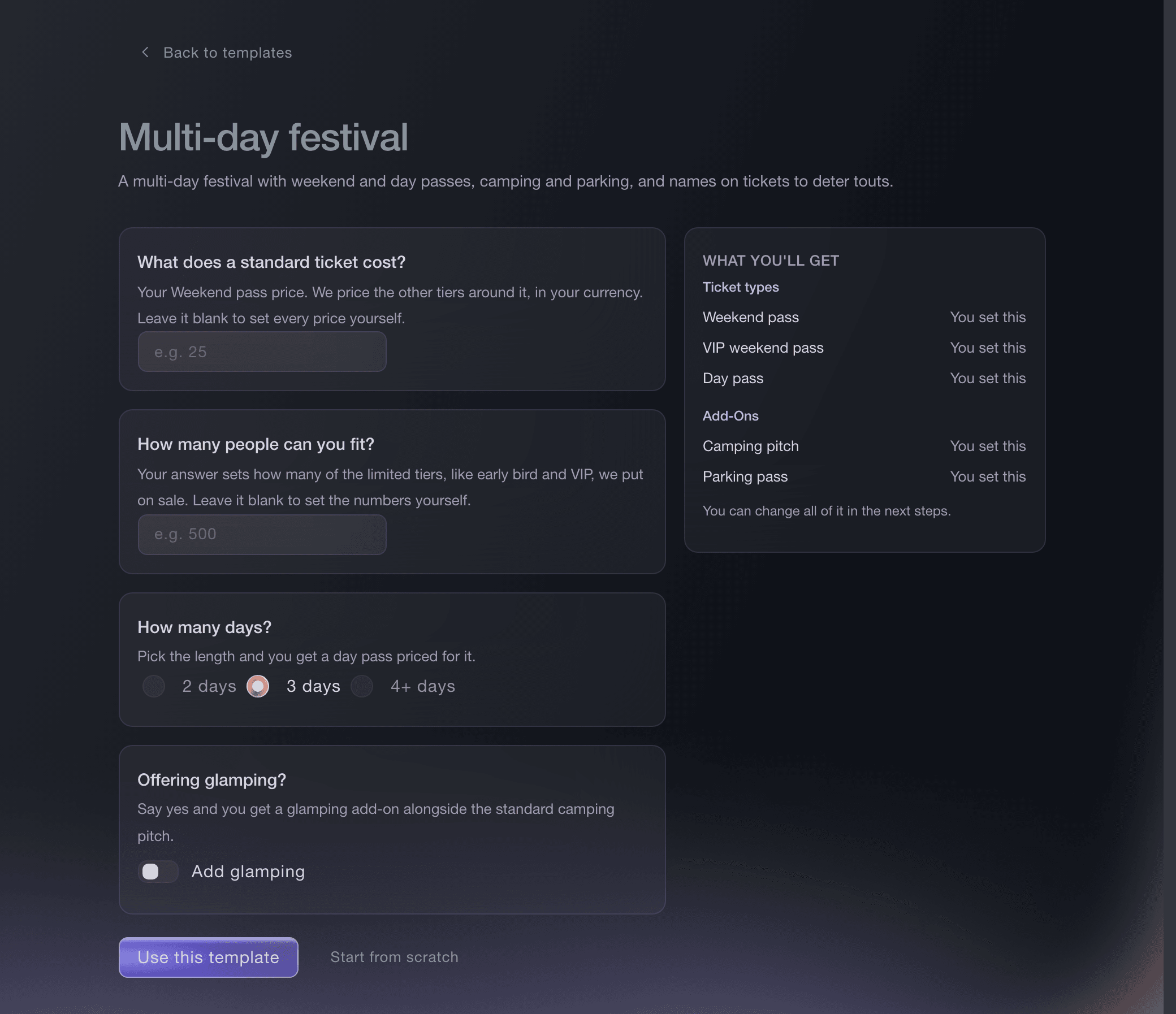
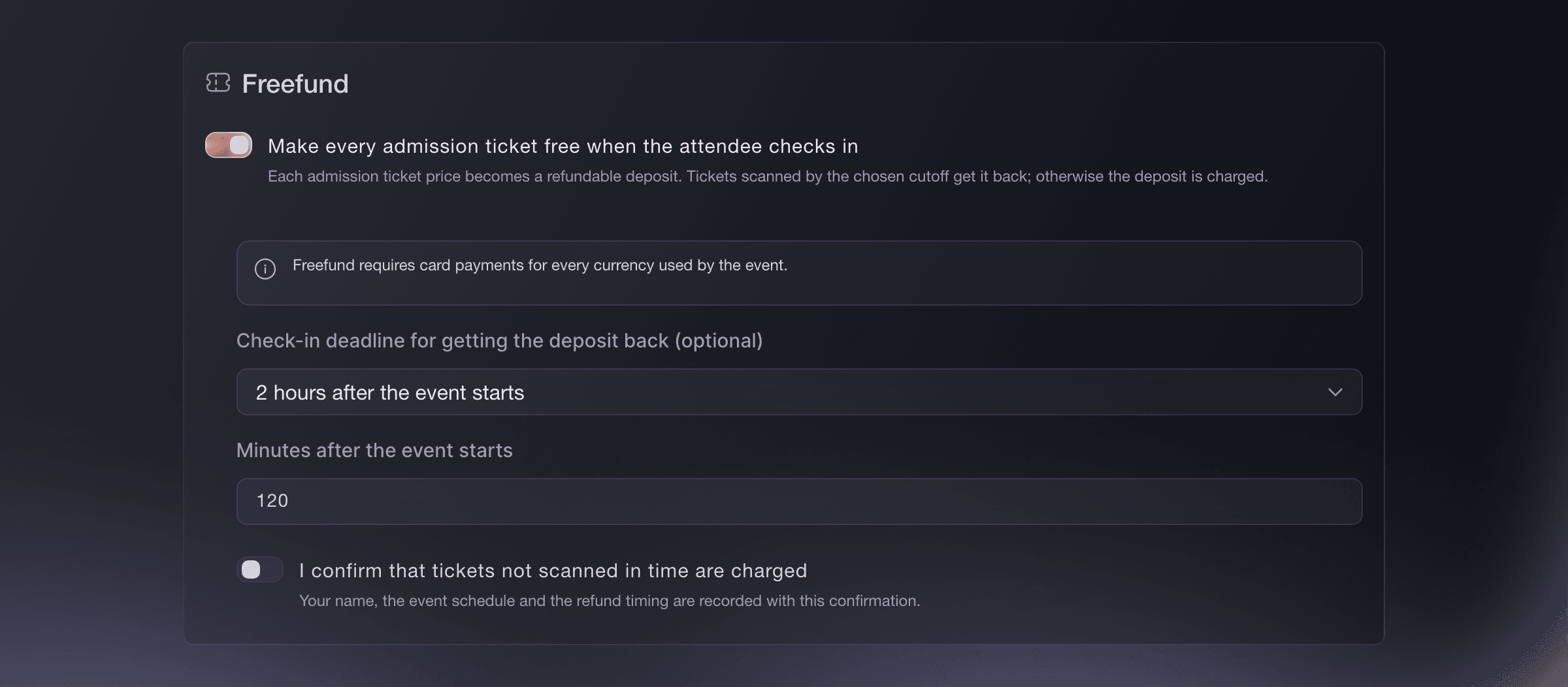
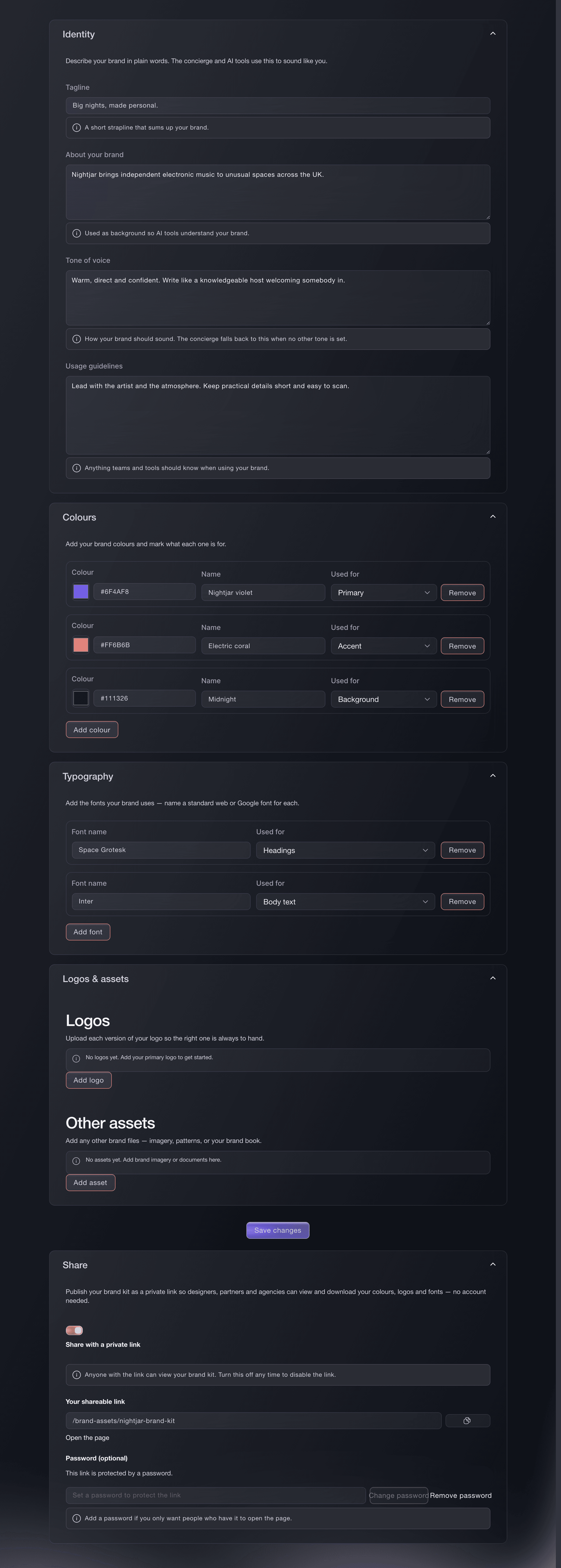
Choose the suggested template and Fai fills in the answers she already knows, such as your capacity and how many days the event runs. Check them and change anything that is different this time. You can still pick any other template.