
Annonsere arrangementet ditt
Connect your Meta and network pixels to track ticket sales
Put your advertising pixels on your event pages and checkout, so the networks that report conversions can see which ticket sales their campaigns brought in.
- For
- Anyone buying ads for an event
- Tar
- 10 minutter
Dette trenger du før du starter
- You're an owner, an admin or on the marketing team for this brand. If you can't open Integrations, ask an owner or an admin to do this part or to give you access.
- You have the pixel ID for each network you want to track, or the tracking snippet it gave you. Meta is the exception: you sign in instead of pasting either.
-
Open Integrations for your brand
Open the brand you sell under, then go to Integrations.
-
Sign in to Meta
In Meta conversion tracking, select Connect Meta and sign in with the Facebook account that has access to your ads.
Meta works differently from the other networks: there is no ID to paste.
-
Pick the ad account and the pixel
Choose the ad account you buy your event ads on, then the pixel your sales should report to.
-
Turn Meta tracking on
Select Turn on tracking.
Your sales then report from our servers as well as from the browser, so a buyer who blocks tracking is still counted. That sign-in lasts about two months, and renewing it means repeating these three steps: signing in on its own does not restart it.
-
Add the other networks you buy on
Open Network Conversion Tracking Pixels. Select the tab for your network, paste the ID, and add as many as that network needs.
A tab shows a count once a pixel is on it, so you can see what's live at a glance. Spotify, Google Ads, LinkedIn and Amazon DSP are the exceptions: their tabs take an ID and count it, but no sale reaches them yet.
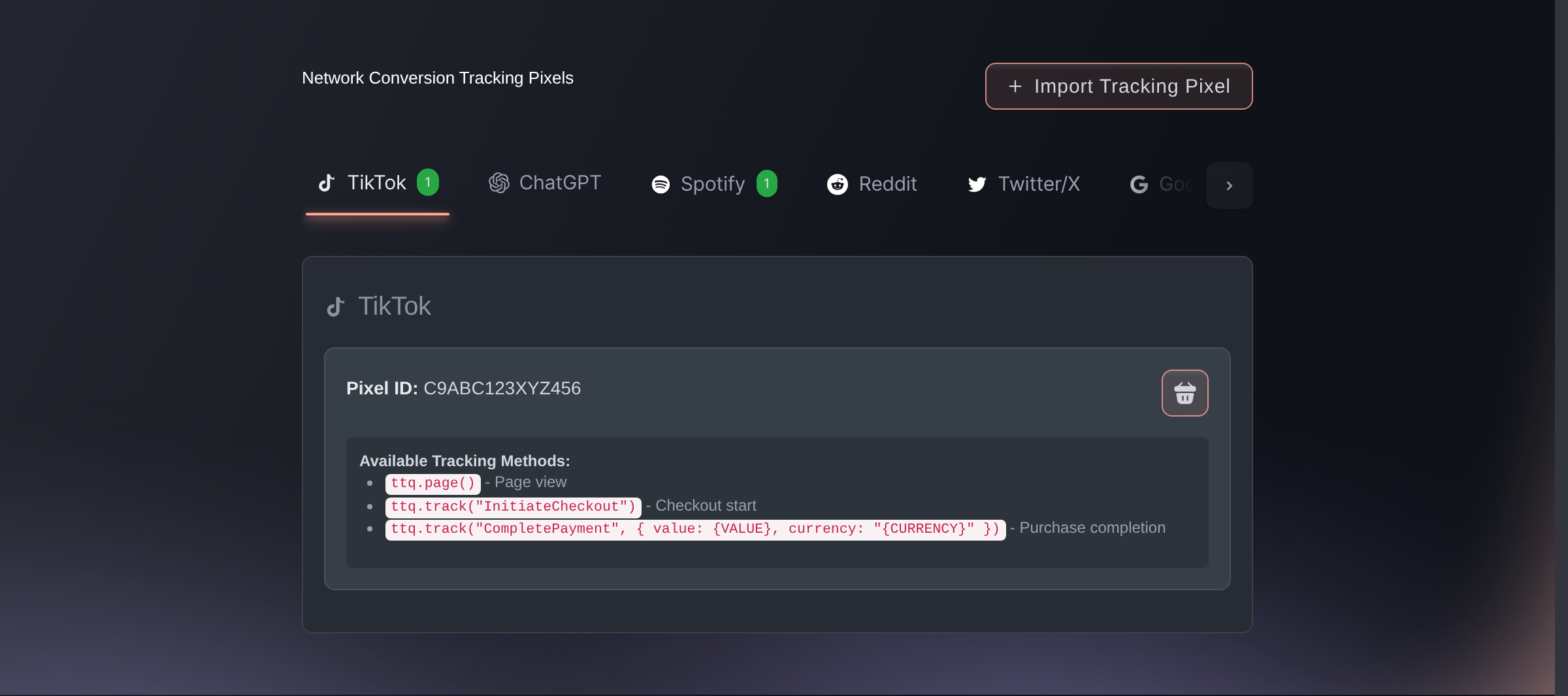
Brand settings, Integrations, Tracking pixels. -
Check that a sale reports back
Buy a ticket on your own event, or use a test order. Look for the purchase in that network's own reporting, such as Meta Events Manager.
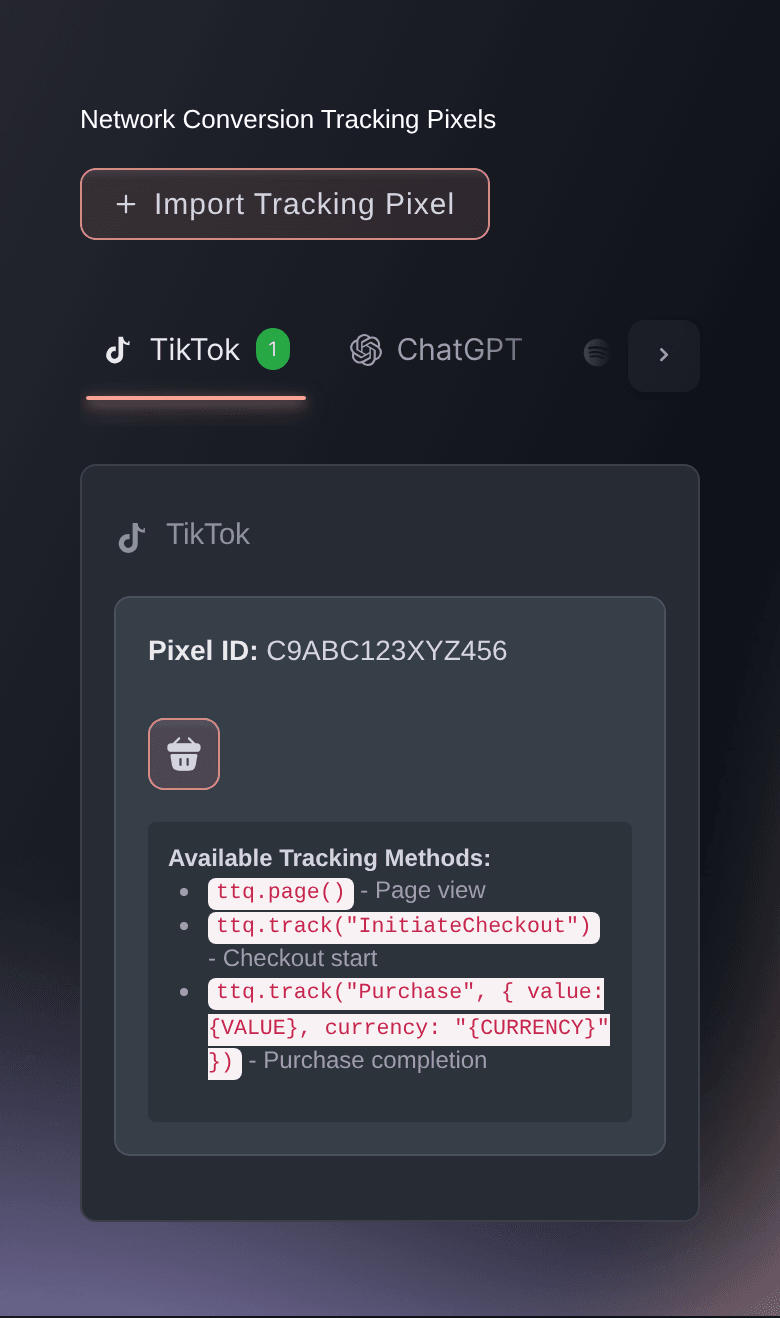
Most networks get the order value with the sale, so their reporting matches your ticket sales. TikTok doesn't receive an amount from us today, so an empty value there is normal.
Eller få det gjort for deg
Fai, the assistant inside your dashboard, can set both halves up for you, and asks you to approve each change before it makes it. Your own AI assistant over our MCP server cannot: that server has no pixel tool, so pixels are Fai's work or your own on this screen. The one part neither can do is the Meta sign-in, which has to happen in your browser, so do that step yourself and let Fai take it from there.
I dashbordet ditt, med Fai
Show me which tracking pixels this brand has, then turn Meta conversion tracking on for the pixel we advertise with and add our TikTok pixel <your TikTok pixel ID>.
Spørsmål du kanskje har
- Where do I put my Meta pixel in Ticket Fairy?
- In your brand settings, under Integrations. Meta has a guided setup of its own, above the other networks: you connect Meta, pick the ad account and the pixel, and turn tracking on. There is no ID to copy and no token to paste.
- Which advertising networks can I track, besides Meta?
- TikTok, ChatGPT, Reddit, X, Google Analytics, Pinterest, Snapchat and Bing report your sales back today, and there is a custom option for anything else you run. Spotify, LinkedIn, Amazon and Google Ads have a tab you can save an ID in, but they do not record a sale yet, so add them for the tag and take those numbers from your Ticket Fairy reports until they do.
- Can I add more than one pixel for the same network?
- Yes for every network except Bing, which uses the first one you add and nothing else. Everywhere else the tab holds a list, so an agency running two accounts against one event can add both and see a count on the tab.
- Will my pixels still fire if the buyer checks out on my own website?
- Yes. The embedded checkout fires the same pixels at the same points as the hosted checkout, so a sale on your own site reaches a network the same way a sale on ours does. Spotify, Google Ads, LinkedIn and Amazon DSP receive nothing from either one.
Veien videre
Gjør dette på ditt eget arrangement
Opprett kontoen din, bygg arrangementet ditt, og følg disse trinnene i ditt eget dashbord. Uten salgssamtale først.