Made for event teams

Cabaret Show Ticketing System for Tables, Deposits and Every Guest

Cabaret Show Ticketing System: Let guests choose tables, see party size and pricing, pay a deposit and add people later without overbooking.
  • Visual table choice with current availability
  • Party size and pricing shown before payment
  • Later guest additions kept within the table limit

No setup fees or subscription required
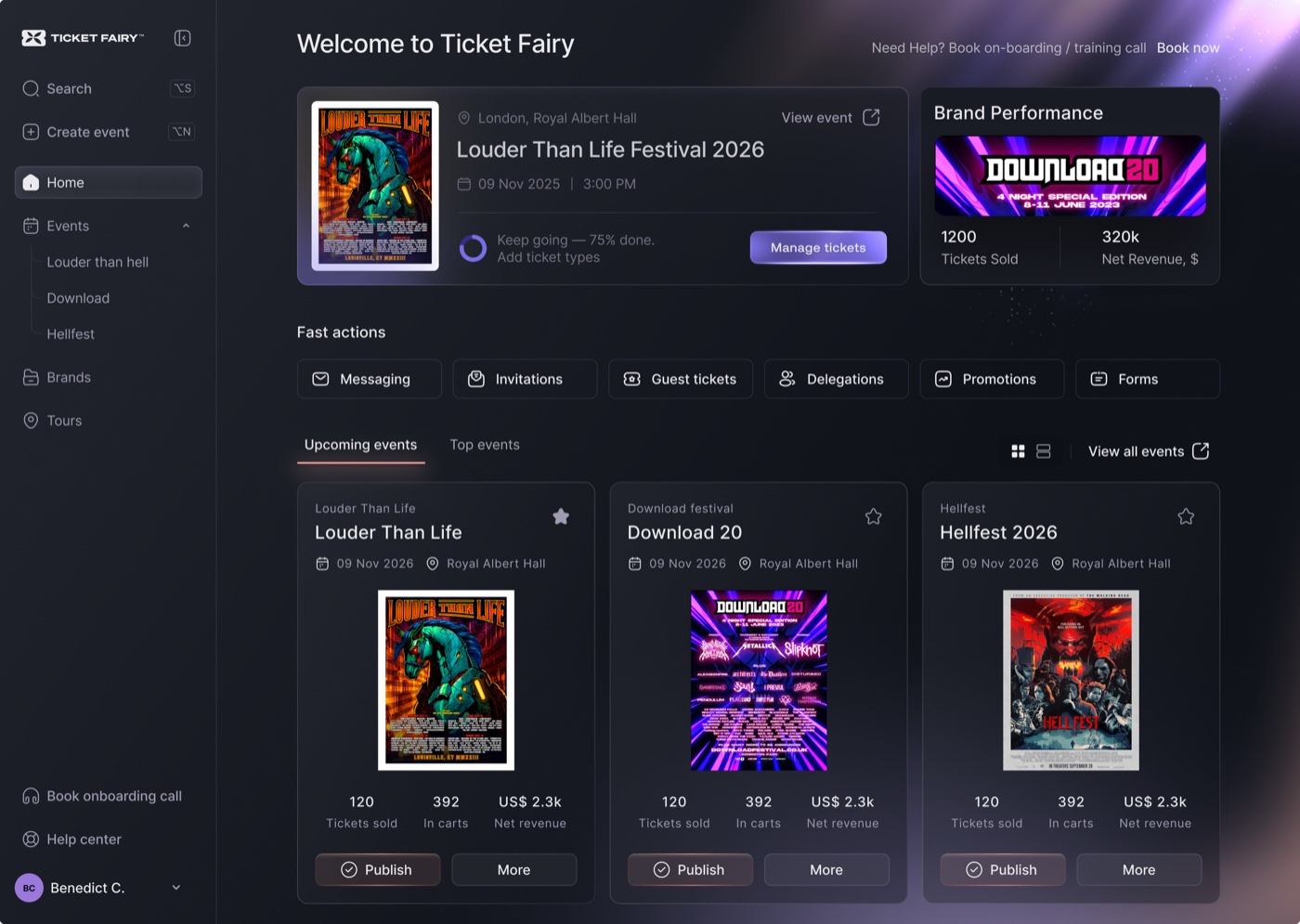
Ticket Fairy event dashboard
Sell tickets, serve guests and run event day from one place.

Built to help event organizers, festivals and venues sell tickets and know their audience.

25,000+Events powered
10M+Tickets issued
$300M+Ticket sales
13Countries

Sell tables with clear deposits, party limits and guest details using Cabaret Show Ticketing System

Table bookings are scattered across messages

Give hosts and staff one booking with the table, guests, price and deposit.

The event needs more than a name and email

Ask the right questions during checkout so your team has useful information before guests arrive.

Door staff need the latest answer

Scan against the valid ticket and latest order details so entry decisions do not depend on an old spreadsheet.

Treat a table as one booking with real people attached

Ticket Fairy connects the work around a ticket sale. Your team can see what sold, collect the information the event needs and use the same live order at the door.

What you can do and how it helps your event

Let guests choose a table or booth

Offer table types or a visual map with current availability, so buyers know what they are booking before they pay.

Show party size, price and deposit clearly

Set guest limits, base or minimum-spend pricing, per-guest charges and a deposit while keeping the amount still owed with the booking.

Collect details for the people at the table

Show staff who is coming, who booked and which table every guest belongs to.

Let eligible hosts add guests later

Stop additions at the table limit and use the original guest price and deposit. A later guest addition can be refunded as a group without changing the original table booking.
Explore all features

Start without technical setup

  1. 1

    Set the tables, limits and prices

    Choose capacity, base or per-guest pricing and any deposit for each table type.

  2. 2

    Let the host book and name the guests

    Show the price before payment and collect the attendee details the event needs.

  3. 3

    Add guests without starting another table order

    Eligible hosts can add guests up to the table limit after the original booking.

We handle all of your event's customer support enquiries, at no extra cost.

24/7 Ticket Buyer Support

Our support team is there around the clock to help your ticket buyers with any question, by email, chat and social media.

Dedicated Account Management

You get personal support from an experienced account manager who helps you get your event setup, marketing and operations right.

Multi-Channel Support

Get support by email, live chat and social media, plus a help center full of guides and FAQs.

Proactive Issue Resolution

We keep an eye on your events in real time and fix problems before they cost you sales or upset your buyers.

  • PCI DSS compliant
  • Secure payments
  • GDPR ready
  • 24/7 support

Transparent Pricing

No setup fees. No monthly costs. You keep 100% of ticket revenue.

How Our Pricing Works

Fair, transparent pricing: the higher the ticket price, the lower the percentage fee. All fees shown include payment processing.

🎟️

Free tickets have no fees - completely free for both organizers and attendees

💎

5–10% of the ticket price: the higher the ticket price, the lower the fee

📊

Minimum fee of US$2.00 per paid ticket

Fee includes platform, payment processing, referral marketing and 24/7 support. Nothing extra.

All-Inclusive Pricing

  • Platform usage and technology
  • Payment processing for all major cards and payment methods
  • Built-in marketing tools
  • Customer support for you and your attendees
  • Real-time analytics dashboard
  • Mobile check-in app

No setup, monthly, or platform fees for organizers • Fees are added to ticket prices - you receive the full ticket value

Plan it around your event

Price the whole table and the people joining it

Use a base or minimum-spend amount, per-extra-guest pricing, guest limits and a deposit. Show the buyer the party size and price before payment.

Let the guest list change without losing control

Eligible paid table hosts can add people later up to the table limit. The original guest price and deposit still apply, and a later addition can be refunded as a group without changing the original table booking.

Frequently Asked Questions for Event Organizers

Practical questions

For eligible paid table bookings, the host can add guests later up to the table limit. The original guest price and deposit still apply.

Yes. Set ticket choices, prices, quantities and sale times, then add eligible items such as merchandise, parking or donations to checkout.

Yes. Ticket scanning and order search use the valid ticket and latest attendee and order details, so staff have more context when a guest needs help.

Get started now or book a demo call

No credit card required. No contracts. Cancel anytime.