
Questions organisers ask
How do you stop a high-demand on-sale from falling over?
A queue that holds the rush before it reaches the checkout, releases that meter it, and a way back to everybody who did not get a ticket.
- For
- Anyone putting an event on sale that will sell faster than it can be bought
- Takes
- 6 minutes
Three things come under pressure in an on-sale that sells out in minutes, and they are not the same problem. The site has to survive the crowd arriving at once. The checkout has to still work for the people who got through. And the people who missed out are worth being able to reach afterwards.
The crowd is held before it arrives. A waiting room sits in front of the whole platform, and it turns itself on when arrivals pass a threshold. A buyer sees their place in the queue and roughly how long it will be, and the page moves them through when it is their turn. Because the queue never reaches the machines running the checkout, the checkout keeps working at the speed it does on a quiet day -- which is what stops a payment timing out halfway through.
The rest is shaping the demand rather than absorbing it. Timed releases put a known number of tickets on sale at a known moment, so an on-sale is a series of smaller rushes. Invitations and pre-registration move part of the crowd before the public on-sale. And a waiting list catches the people who arrive after the last ticket has gone.
How Ticket Fairy handles it
-
A waiting room in front of the checkout
It sits ahead of the platform rather than inside it, and turns itself on when arrivals pass a threshold. Nobody has to switch it on for an on-sale, and nothing you do to your event changes whether it is there.
-
Releases that meter the rush
Each release is its own allocation at its own price and its own moment. Selling in tiers turns one crowd into several smaller ones, and gives the people who missed the first a reason to come back for the next.
-
Invitations before the public on-sale
Move part of the demand ahead of the general sale: invite your list, or take pre-registrations and let those people in first. Every ticket sold before the on-sale is one fewer person in the queue at the on-sale.
-
A waiting list, and a way back to it
People who arrive after the tickets have gone go onto a waiting list, and they are an audience you can write to when a release is added or tickets come back through resale.
How to set it up
What you need before you start
- You're an owner or an admin on the event.
- You know your on-sale time and roughly how many people will be waiting for it. Both decide how many releases are worth setting up.
-
Set the on-sale time rather than publishing by hand
Schedule it. An event published by somebody clicking at the right moment goes live late, and a late on-sale is one where every buyer refreshes at once.
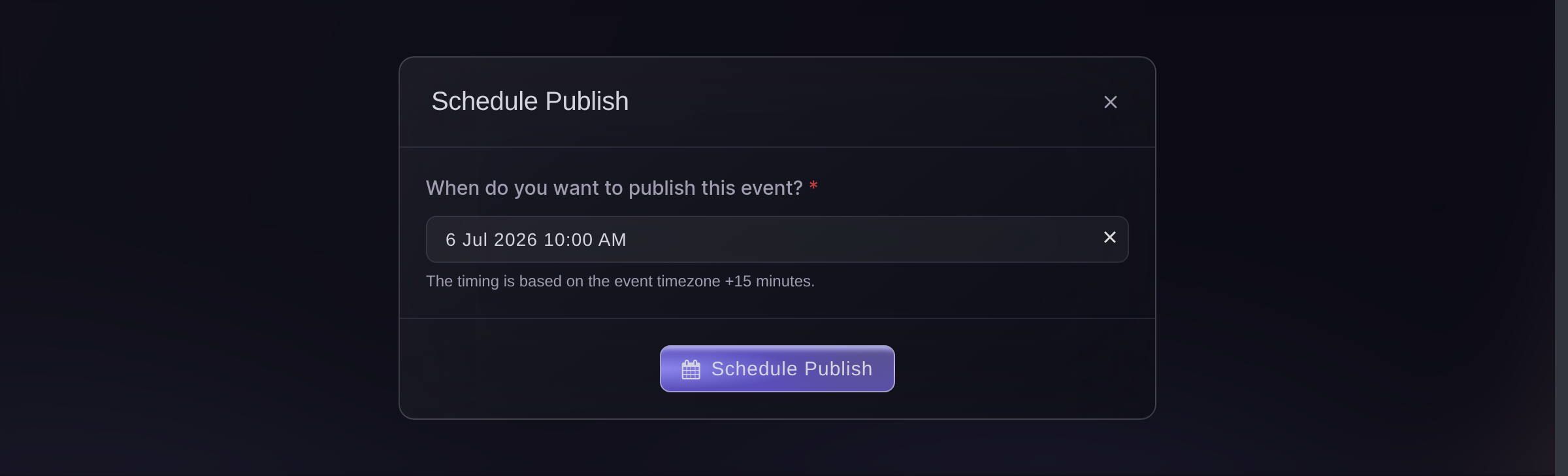
Publish, Payment/Support, Schedule Publish. -
Split the tickets into releases
Give each release its own allocation and its own moment, and set the later ones to appear when the one before sells out or at a set time, whichever comes first.
Two releases turn one rush into two smaller ones, and give the people who missed the first something to come back for rather than a sold-out page.
-
Move part of the crowd earlier
Send invitations to your own list, or open pre-registration, so the people most likely to buy are not queuing with everybody else on the day.
-
Tell people what to expect
Say in your announcement that there is a queue, that it shows their place, and that refreshing does not move them up it. A queue nobody was warned about reads as a broken site.
-
Come back to the people who missed out
After the on-sale, write to the waiting list and to anyone who left an abandoned cart. They are the warmest audience you will have all campaign.

Questions you might have
- Is there a queue for a busy on-sale?
- Yes. A waiting room sits in front of the platform and engages by itself once arrivals pass a threshold. Buyers see their position and an estimated wait, and are moved through in turn.
- Do I have to turn the waiting room on?
- No. It is always in front of your on-sale and only engages when the traffic calls for it, so there is nothing to switch on and nothing to forget.
- Why do checkouts time out on other on-sales?
- Because the crowd reaches the same machines that are processing payments. Holding the queue in front of them keeps the checkout doing only checkout work, at the speed it does on a quiet day.
- Does refreshing the page move somebody up the queue?
- No, and it is worth saying so in your announcement. A queue that is explained reads as fair; the same queue unexplained reads as a site that is broken.
- What happens to the people who do not get a ticket?
- They go onto the waiting list, which is an audience you can write to when you add a release or when tickets come back through resale.
Where to go from here
Do this on your own event
Create your account, build your event, and follow these steps in your own dashboard. No sales call first.