
Создание мероприятия
Make your event page sell the night
The event page is where a buyer decides. Club promoters and festival teams put the flyer, the line-up and the door rules on it, because a page that answers the obvious questions converts better than one that leaves them open. Everything here belongs to the event, so a duplicate starts from the same artwork and you change what is different.
Add the flyer, the background and the description a buyer reads before they choose a ticket, keep the one-line version short enough to survive a share, and give each language its own words and artwork.
- Для кого
- Turning visitors into ticket buyers on your event page
- Займёт
- 6 минут
Перед началом
- You're an owner or admin of the event. Promoters and door logins do not see the event form.
- You have your flyer at 1200 by 1600 pixels. The form says the same sizes beside each upload area.
- You know your door times, age rule and travel details, because those are what buyers ask before they buy.
-
Add your flyer
On the Event Images card, drop your artwork on Add Flyer/Poster.
Примечание: The card says 1200 by 1600 pixels beside the area. This is the picture that goes on the event page and into a shared link, so use the version with the line-up on it.
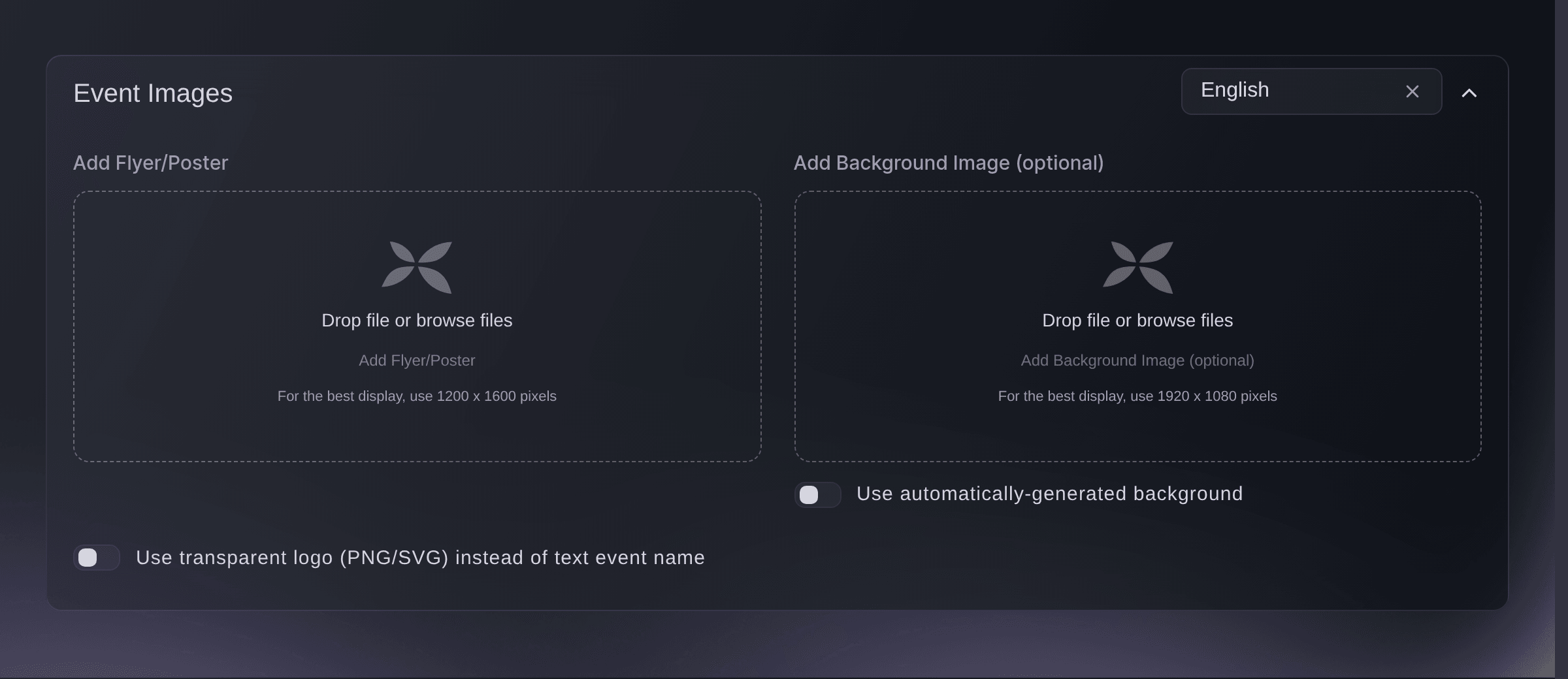
Event, Details, Event Images.

When to set a background
Ticket Fairy builds a background out of your flyer, which suits most events. Add your own on Add Background Image (optional) when you have artwork made for a wide screen, and switch off Use automatically-generated background to use it.
Примечание: The card asks for 1920 by 1080 pixels here. A tall flyer stretched across a wide page is worse than the one it builds for you.
-
Put your event name in your own type
Switch on Use transparent logo (PNG/SVG) instead of text event name and upload the logo.
Примечание: Use this where the brand is the draw. Leave it off and the page sets your event name in the standard type, which stays readable at every width.
-
Describe the night
On the Event Description card, enter what a buyer needs before they choose a ticket.
Примечание: Headings, lists and links all work. The line-up, the door times, the age rule and how to get there answer most of what buyers ask you by email.
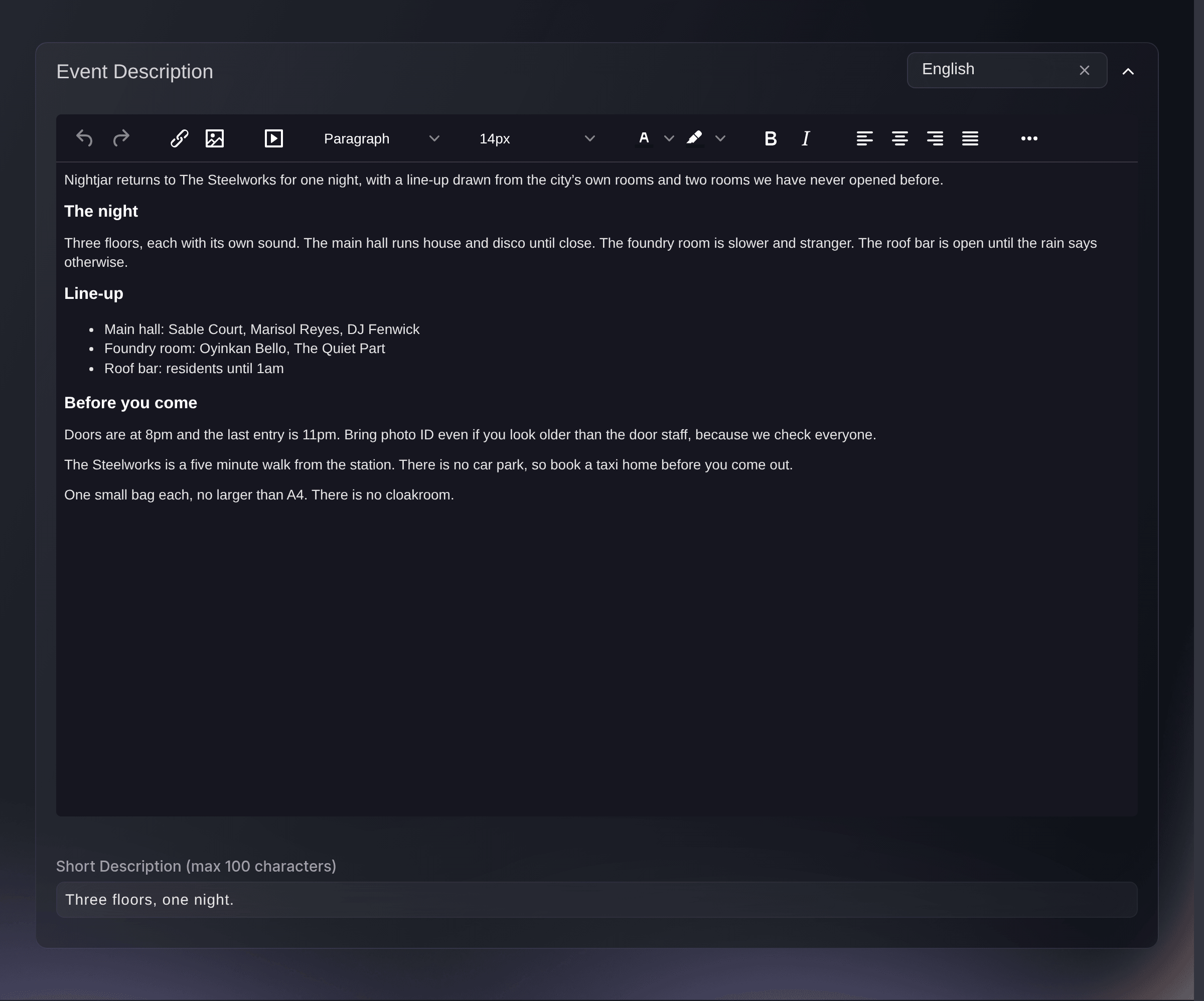
Event, Details, Event Description. -
Add the one line that travels
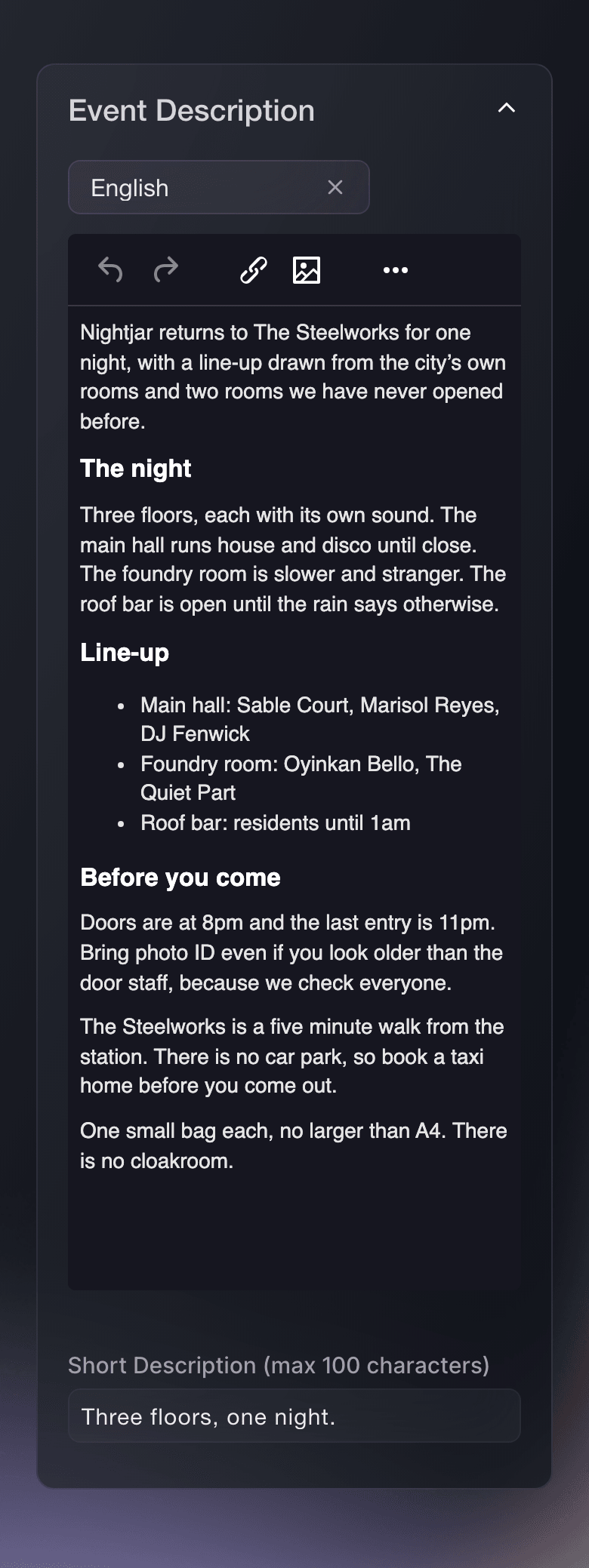
Enter a Short Description (max 100 characters) for your event.
Примечание: This is the line that appears in listings and beside a shared link, where the full description does not fit. Name the act or the night, not the venue.
Или поручите это помощнику
Fai, the assistant inside your dashboard, drafts the wording for you and sets the one-line version herself, asking you to approve it first. The full description goes into the card on the page, and so does the artwork, because she can neither save the long text nor hold your flyer for you.
В вашей панели, с Fai
For <EVENT NAME>, draft an event description covering the line-up, the door times, the age rule and how to get there, then set the one-line version
Из вашего собственного ассистента, через MCP
Подключите ассистента к нашему серверу MCP и попросите его:
Оставьте --read-only в конфигурации MCP. Для этой задачи нужно только читать данные, поэтому ассистенту не нужны инструменты, которые вносят изменения.
Pick the brand, find the event <EVENT NAME> and show it
Sell the same event in another language
-
Switch the card to that language
Choose the language in the selector at the top right of either card, then enter the words or upload the artwork for it.
Примечание: Each language keeps its own description and its own flyer, so a poster with English text on it does not follow a Spanish buyer around.
Fai can draft the description in another language from the English one, and asks you to approve it before it is saved.
В вашей панели, с Fai
For <EVENT NAME>, draft the event description in <LANGUAGE> from the English one
Из вашего собственного ассистента, через MCP
Оставьте --read-only в конфигурации MCP. Для этой задачи нужно только читать данные, поэтому ассистенту не нужны инструменты, которые вносят изменения.
Pick the brand, find the event <EVENT NAME> and show it
Вопросы, которые могут возникнуть
- What size should my flyer be?
- 1200 by 1600 pixels, which the card states beside the upload area. A background, if you add one, is 1920 by 1080.
- Why does my page look different from my flyer?
- The background is built from your flyer unless you upload your own and switch the automatic one off. That is the setting to change.
- Does the description carry over when I duplicate an event?
- Yes. A duplicate starts from the same description and artwork, so change the dates and the line-up rather than starting again.
Похожие руководства
Сделайте это на своём мероприятии
Создайте аккаунт, соберите мероприятие и выполните шаги в своей панели управления. Звонок в отдел продаж не нужен.