
Kehittäjät ja API
Get a webhook each time you take a ticket order
A webhook posts every order to an address you own, seconds after the buyer pays. Agencies and promoters with their own CRM, warehouse or fulfilment system get each sale as it happens, rather than waiting for a nightly export.
Have Ticket Fairy send each new order to an address you own, seconds after the buyer pays, so your own systems get the sale without asking for it on a timer.
- Kenelle
- Sending each ticket sale to your own systems as it happens
- Kestää
- 8 minuuttia
Ennen aloitusta
- You have an address that answers a POST and returns quickly. Use HTTPS for a real endpoint, because each request carries order and buyer details.
- You have a personal access token for the command line. Creating one has its own guide.
- You know which events should feed it: one event, everything under a brand, or everything on a tour.
-
Generate the webhook key
Open your account settings and select Generate Webhook API Key under Webhook API Key.
Huomautus: Platforms such as Zapier ask for this key when you connect them. A webhook you create yourself calls your address directly and needs nothing from this card.
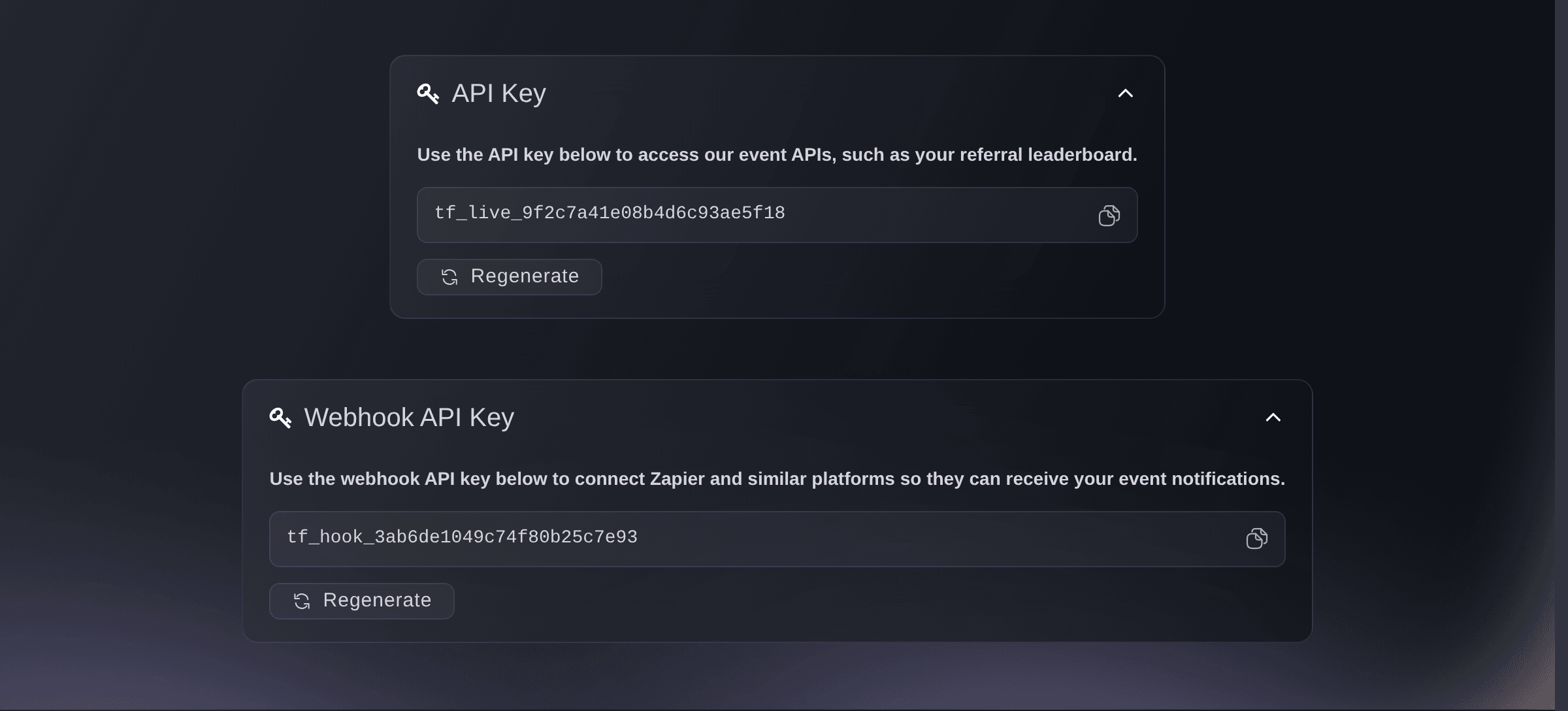
The webhook key, once it has been generated. -
Point a webhook at your own address
Run
ticketfairy webhook create --url https://example.com/hooks/tickets --on order
against the brand you are working on.Huomautus: Each order is posted to that address as JSON. Answer with a success code quickly and do the slow work afterwards, so a busy on-sale never waits on you.
-
Choose what sets it off
Pass the one thing you want to hear about in
--on
:order
for orders, ornew_event
,update_event
,publish_event
andfind_event
for the event itself.Huomautus: One webhook carries one notification, so a system that wants orders and publications needs two of them.

When to put a webhook on the brand rather than the event
Attach a webhook to one event when only that event should feed your system, and to the brand when every event should. A whole tour has its own attachment. The four event notifications are the exception that decides it for you: new_event
, update_event
, publish_event
and find_event
reach brand and tour webhooks only, and never one attached to a single event, so a system that wants to hear about publications needs its webhook on the brand.
-
Attach it where it should listen
Pass
--event
,--brand
or--tour
on the command that creates it.Huomautus: The command falls back to the brand you are working on when none of the three is given.
-
Sell a ticket and watch it arrive
Buy one ticket yourself and check the request reaches your address.
Huomautus: Delivery happens in the background rather than inside the checkout, so allow a few seconds. Refund your own order afterwards.
Kokeile näitä vaiheita omassa tapahtumassasi
Luo ilmainen tili, rakenna tapahtumasi ja seuraa yllä olevia vaiheita omassa hallintapaneelissasi. Se vie muutaman minuutin, eikä sinun tarvitse varata myyntipuhelua.
Ei käyttöönottomaksuja. Ei pakollista kuukausimaksua. Luottokorttia ei tarvita.
Tai anna sen hoitua puolestasi
Fai can open the page holding the webhook key. The webhooks themselves are created from the command line, and the steps below show the commands.
Hallintapaneelissasi, Fain kanssa
Open my account settings so I can get my webhook key
Omasta avustajastasi, MCP:n kautta
Yhdistä avustajasi MCP-palvelimeemme ja pyydä sitä:
Pidä --read-only MCP-määrityksessäsi. Tämä tehtävä vain lukee tietoja, joten avustajasi ei tarvitse muutoksia tekeviä työkaluja.
Pick the brand <BRAND NAME> and show its events
Päätteeltä
Asenna CLI osoitteesta CLI-sivultamme, kirjaudu komennolla ticketfairy auth login ja valitse brändi, jonka parissa työskentelet, komennolla ticketfairy brand use <BRAND_ID>. ticketfairy brand list ja ticketfairy event list näyttävät muiden komentojen käyttämät tunnisteet.
Create the webhook, then read back what is listening.
Call your address every time an order is placed
ticketfairy webhook create --url https://example.com/hooks/tickets --on order
Show the webhooks on the active brand
ticketfairy webhook list
Anna Fain hoitaa se puolestasi
Fai toimii Ticket Fairy -hallintapaneelissasi. Luo tili, avaa Fai ja liitä yllä oleva kehote.
Ei käyttöönottomaksuja. Ei pakollista kuukausimaksua. Luottokorttia ei tarvita.
Take one out of service
-
Switch it off while you work on your end
Run
ticketfairy webhook update <ID> --disable
, taking the id fromticketfairy webhook list
.Huomautus: A disabled webhook keeps its settings and stops receiving. Bring it back with the same command and
--enable
. -
Remove one you have finished with
Run
ticketfairy webhook delete <ID>
once nothing needs it.Huomautus: Deleting is permanent, so disable first when you only want a pause.
Fai can open the dashboard for you. Webhooks are read and changed from the command line today.
Hallintapaneelissasi, Fain kanssa
Open my account settings
Omasta avustajastasi, MCP:n kautta
Pidä --read-only MCP-määrityksessäsi. Tämä tehtävä vain lukee tietoja, joten avustajasi ei tarvitse muutoksia tekeviä työkaluja.
Pick the brand <BRAND NAME> and show its events
Päätteeltä
Read the webhooks, then switch one off or remove it.
Show the webhooks on the active brand
ticketfairy webhook list
Stop a webhook receiving without deleting it
ticketfairy webhook update <WEBHOOK_ID> --disable
Remove a webhook permanently
ticketfairy webhook delete <WEBHOOK_ID>
Kysymyksiä joita sinulla voi olla
- Why did nothing arrive when my event went live?
- Check what the webhook is attached to. The event notifications reach brand and tour webhooks only, so one attached to a single event hears about orders alone.
- What happens when my address is down?
- That delivery fails and the next one is tried as normal. Answer 410 Gone and we take the webhook off the list, which is the clean way to unsubscribe from your end.
- Can I check a request really came from Ticket Fairy?
- Yes. Ask Ticket Fairy support to add a signing secret to your event, and every request then carries an X-Signature header your endpoint recomputes with the same secret.
- Will the same order reach me more than once?
- Yes. The whole order is posted again every time it changes, so a refund, a cancellation, a resale or a transfer each send it. Match on the order number and apply what you receive, rather than counting every delivery as a new sale.
- Can I test against a local address?
- A plain http address on your own machine is accepted, so a tunnel is a convenience rather than a requirement. Every request carries order and buyer details, so keep http for testing and give the live system an HTTPS address.
Jäikö vielä kysyttävää?
Varaa esittely, niin vastaamme siihen puhelussa sinun tapahtumatyyppisi mukaan. Tai luo tili ja katso itse.
Ei käyttöönottomaksuja. Ei pakollista kuukausimaksua. Luottokorttia ei tarvita.
Aiheeseen liittyvät oppaat
Tee tämä omassa tapahtumassasi
Luo tili, rakenna tapahtumasi ja seuraa vaiheita omassa hallintapaneelissasi. Sinun ei tarvitse varata myyntipuhelua.