
Tuotannon hallinta
Draw your event site map and share it
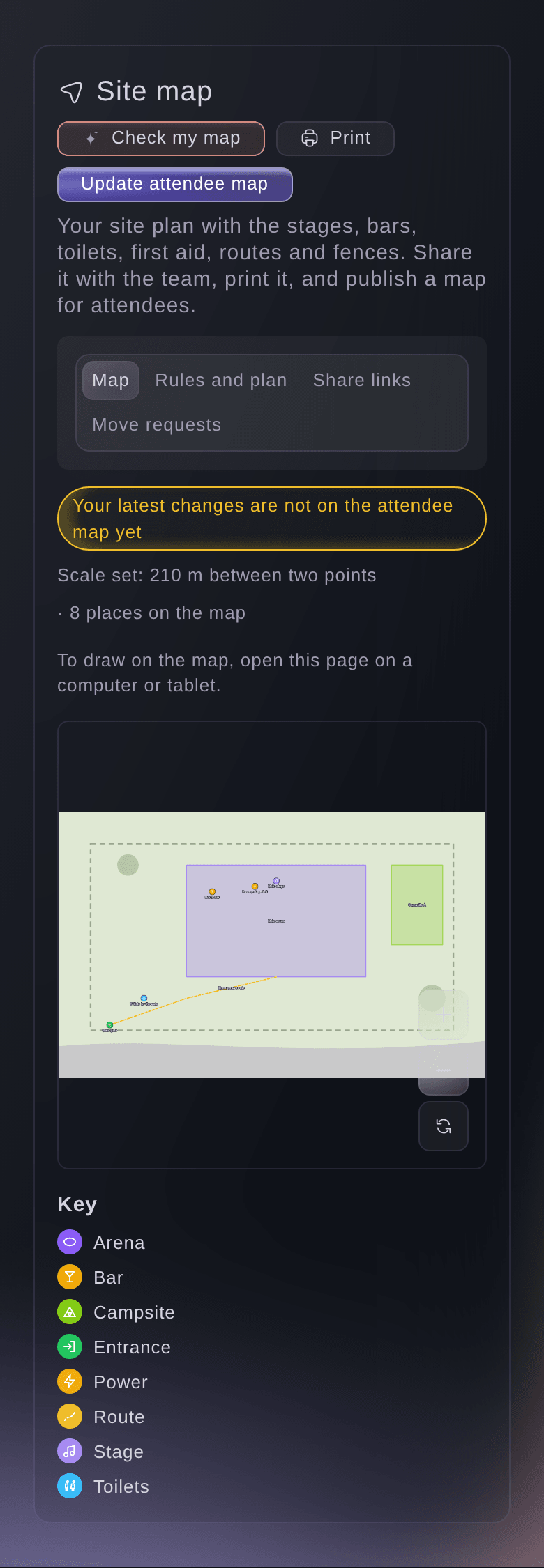
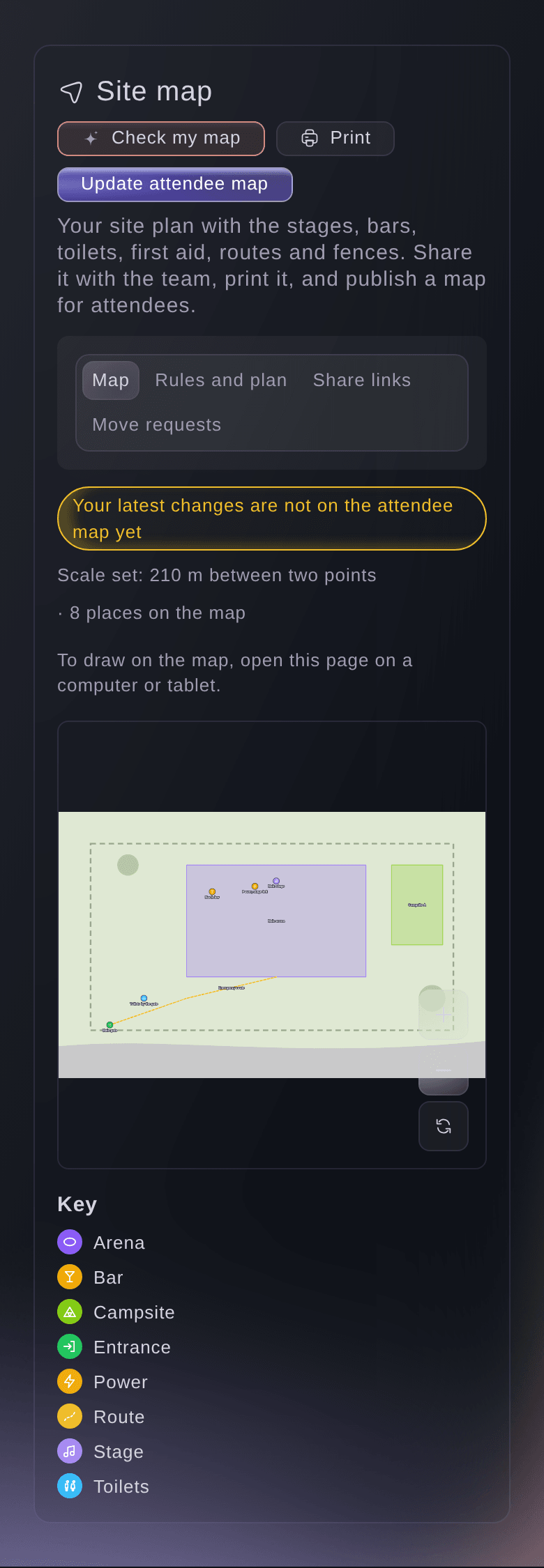
Festival site managers and production teams work from a site plan that changes every week, and crew and attendees both need to know where the toilets, bars and first aid are. The site map keeps one plan everyone on your team can open, and gives attendees a clean map of only the places they need.
Upload your event's site plan as an image, mark the arena, campsites, stages, bars, toilets, first aid, entrances and routes on it, and let Fai check it for the safety essentials your crowd needs. Your whole team can open the map on any device, and you can publish a map with only the places attendees need on your event page.
- Kenelle
- Planning and sharing where everything is on your event site
- Kestää
- 10 minuuttia
Ennen aloitusta
- You are an owner, admin or producer on the event. The event's Management page opens for those roles only.
- Your site plan is a JPG, PNG or WebP image up to 20 MB. If you have a PDF, export the page as an image first.
- You draw on a computer or tablet. On a phone the map is for looking at.
-
Open Site map
Open the event, select Management, then select Site map in the list of sections.
Huomautus: If Site map is not in the list, select More sections and open it there.
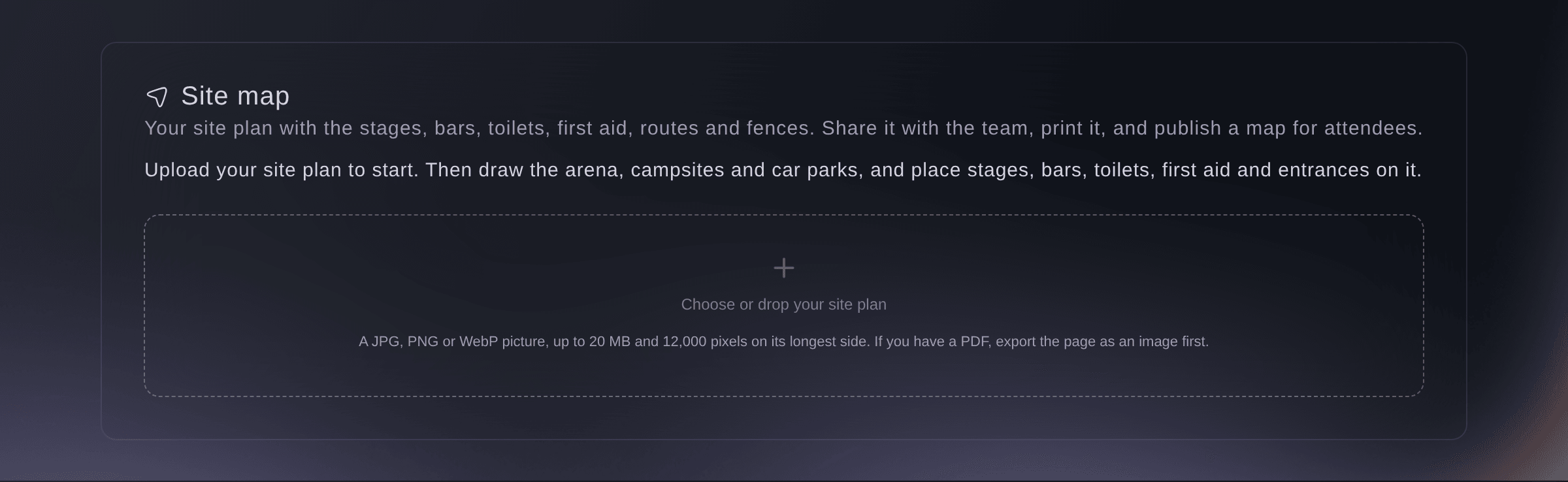
Site map before a plan is uploaded. -
Upload your site plan
Select Choose or drop your site plan and choose the image.
Huomautus: The plan can be up to 12,000 pixels on its longest side. When you change the plan later, use one of the same area drawn the same way round, so your drawing still lines up.
-
Draw areas, points and lines
Select Area, Point or Line, then click on the plan.
Huomautus: Choose Select to drag anything to a new spot. Undo and Redo are always there.
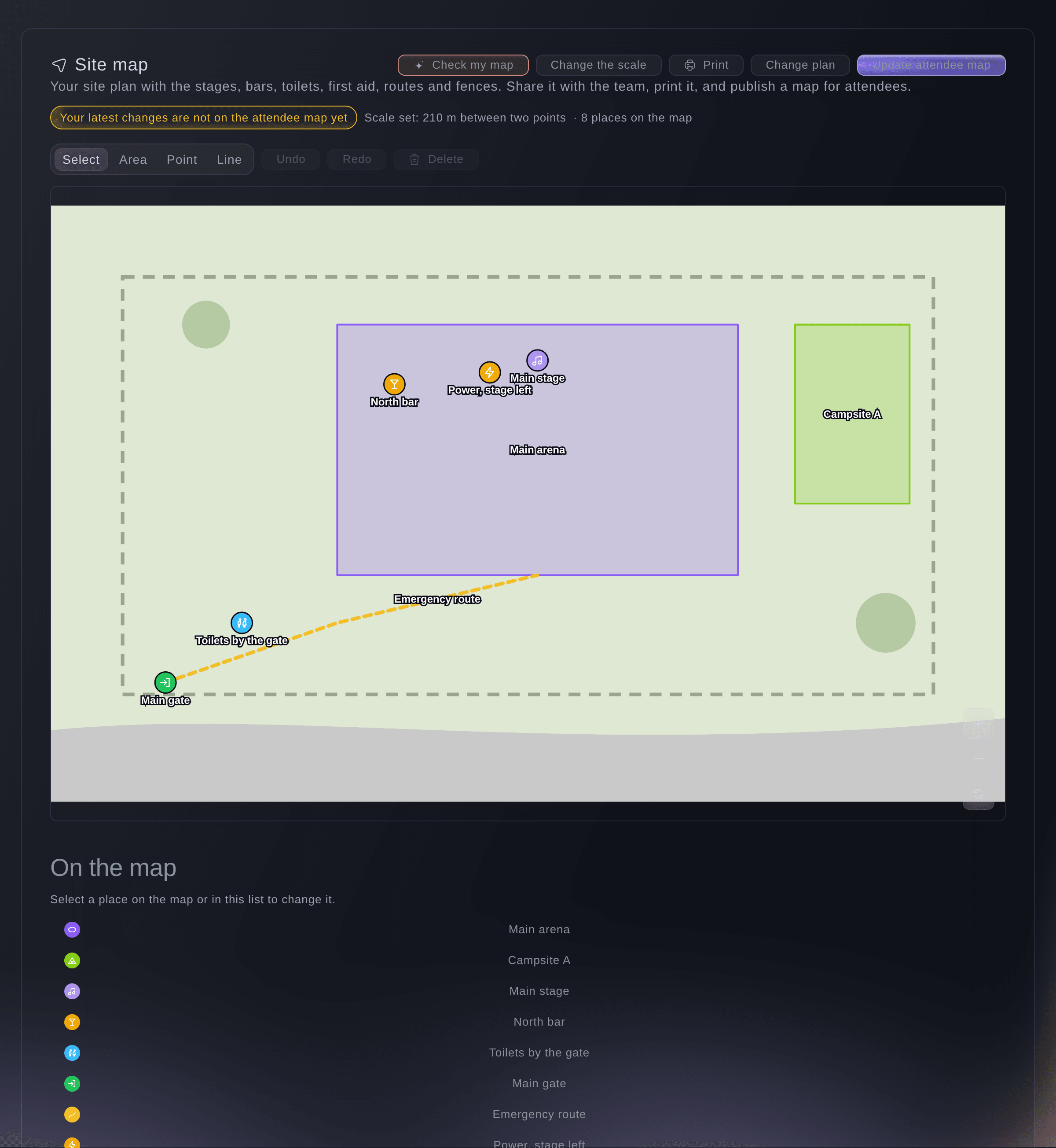
A festival site map. -
Name each place
Select a place on the map or under On the map, enter its Name, choose What is it?, then select Save.
Huomautus: Turn on Show on the attendee map for places attendees need. Under More details, link it to a Stage, a Trader pitch or a Team, and enter How many for a toilet block.
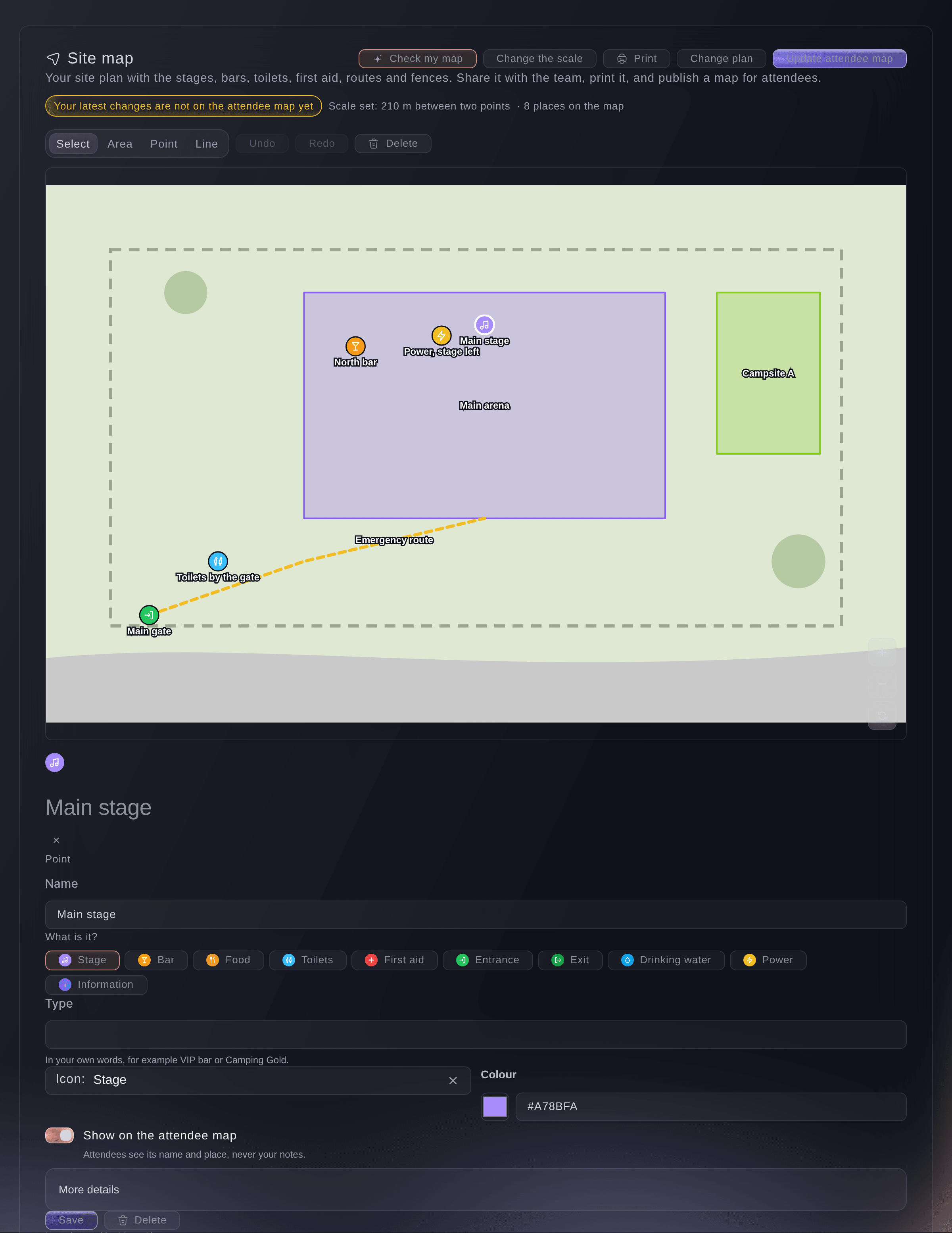
One place and its details. -
Set the scale
Optional: select Set the scale, click two points you know the distance between, enter the Distance in metres, then select Set scale.
Huomautus: Each place then shows its length or size, such as the length of a fence or the area of a campsite.
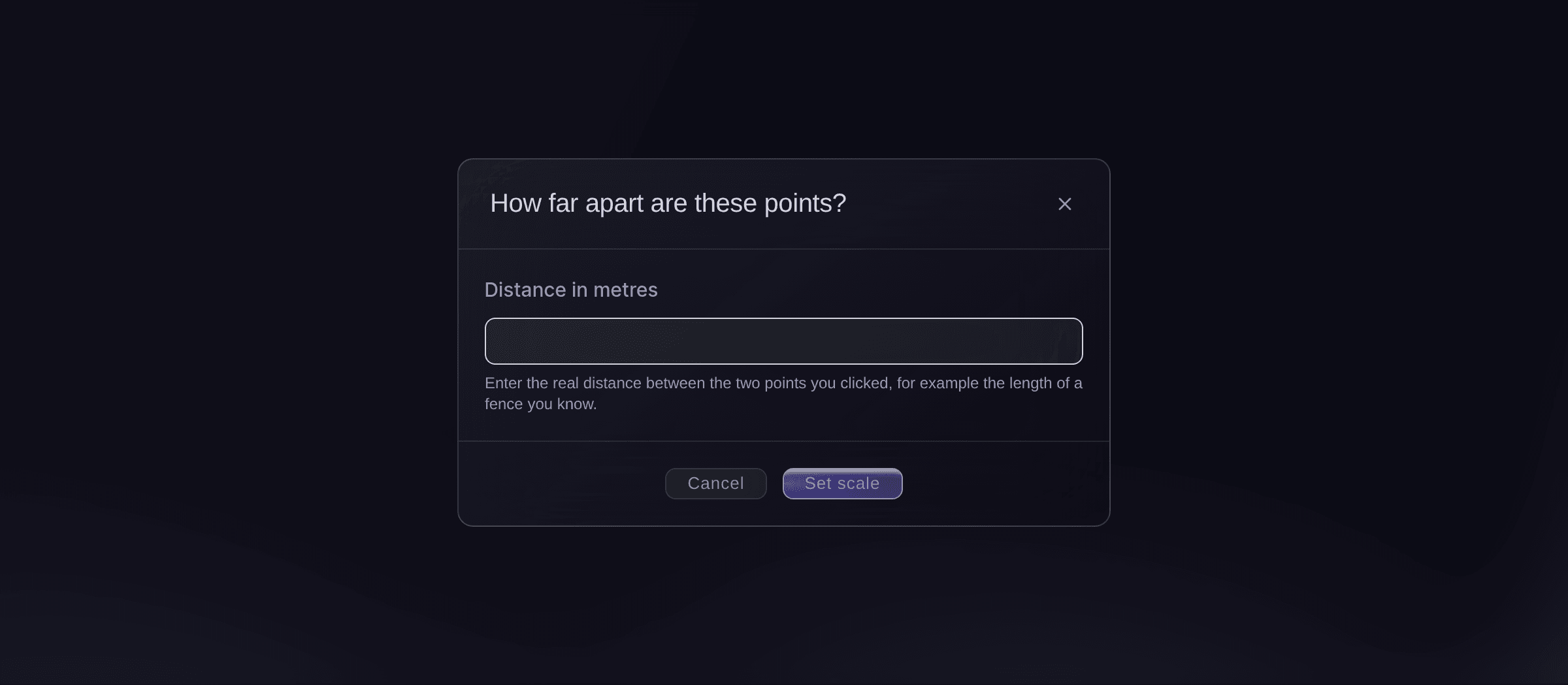
Set the scale. -
Let Fai check your map
Select Check my map, enter People at the busiest time, then select Check again.
Huomautus: Fai looks for first aid, ways out, drinking water, toilets and accessible viewing for your crowd, and says what is missing. Select Place it to put the missing point on the plan.
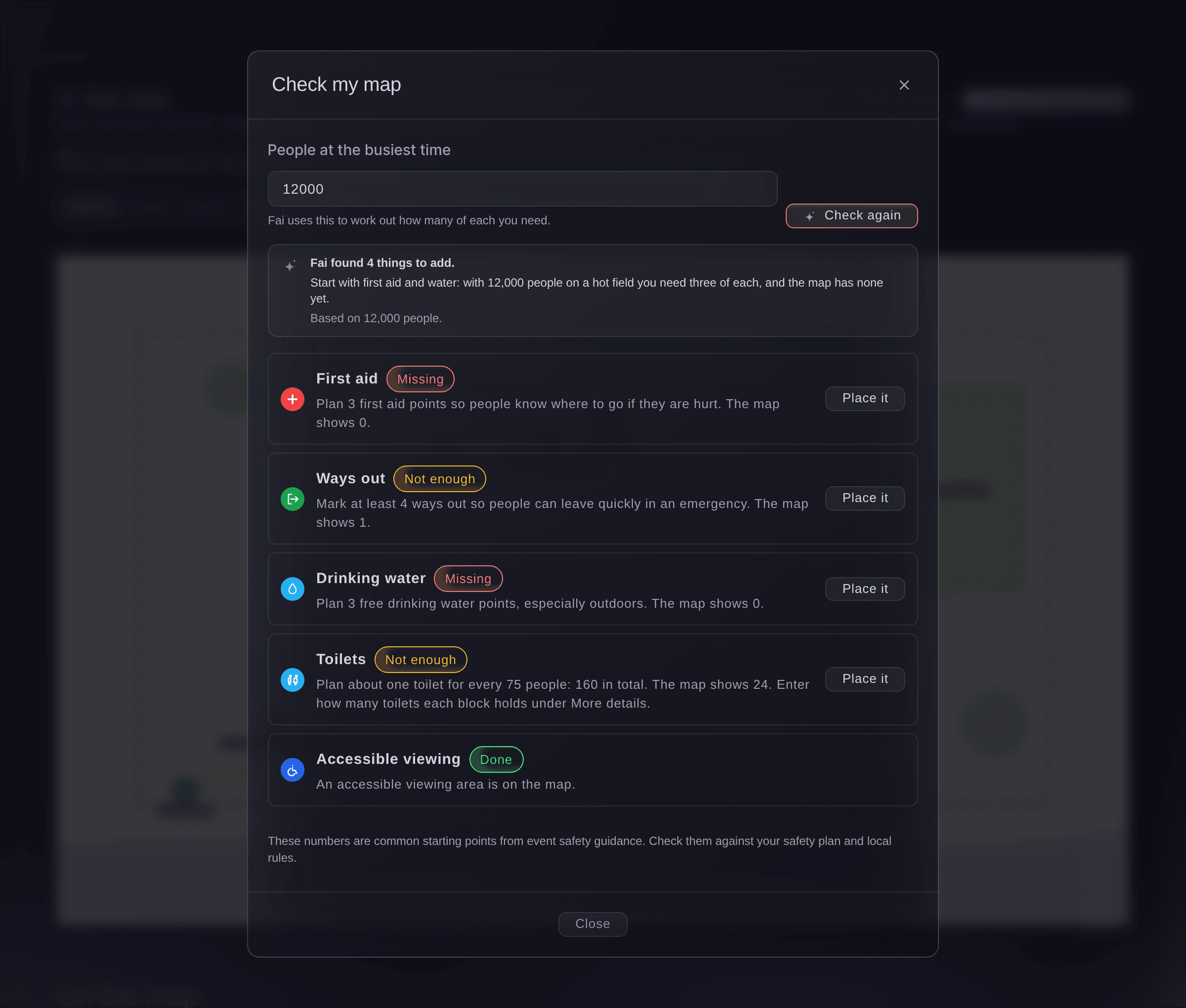
Fai checks the essentials. -
Publish the attendee map
Select Publish map, check the places listed, then select the publish button.
Huomautus: Attendees see the plan with only the places you chose, under the line-up on your event page, and your notes stay with your team. After later changes, select Update attendee map.
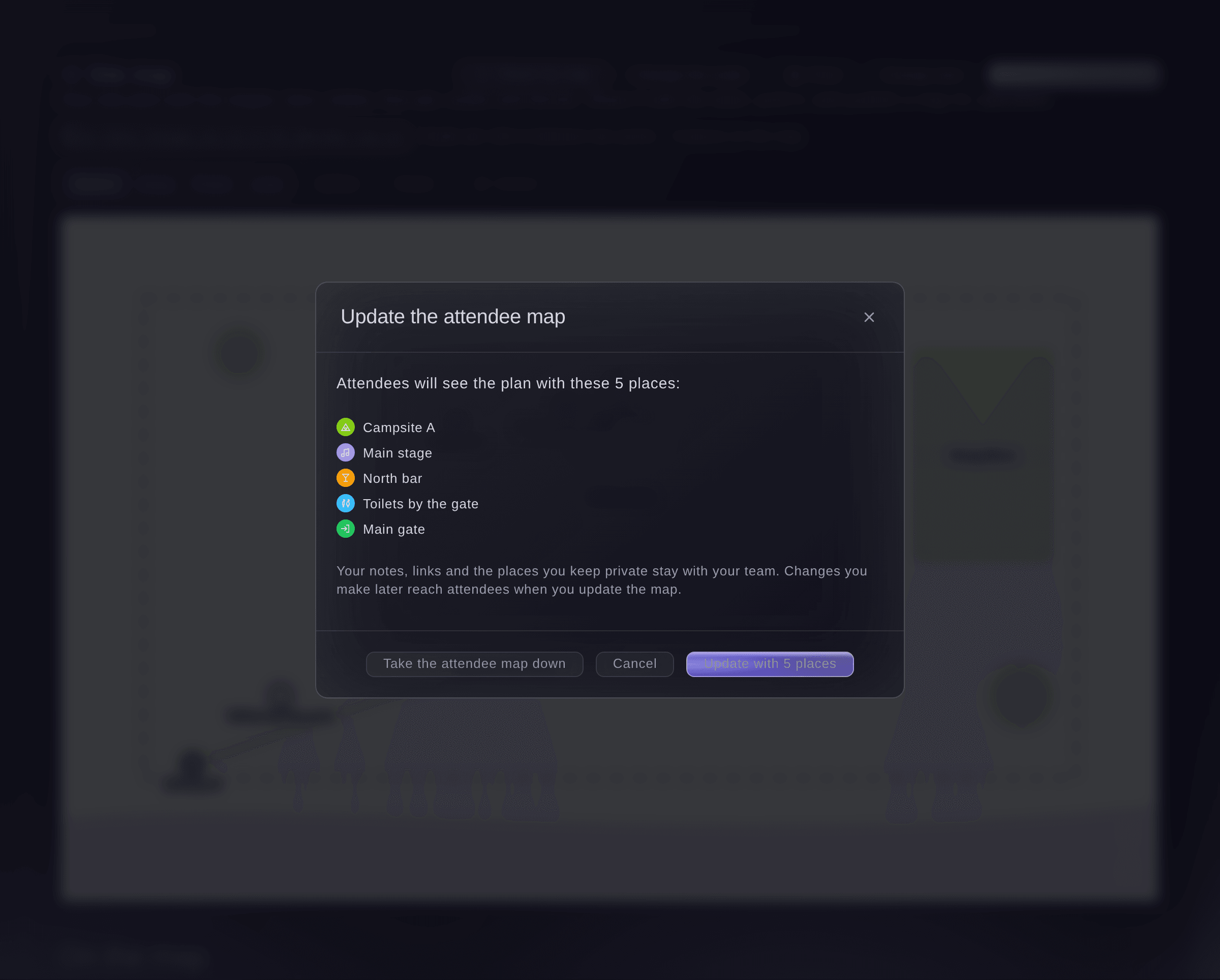
Publish the attendee map.



Kokeile näitä vaiheita omassa tapahtumassasi
Luo ilmainen tili, rakenna tapahtumasi ja seuraa yllä olevia vaiheita omassa hallintapaneelissasi. Se vie muutaman minuutin, eikä sinun tarvitse varata myyntipuhelua.
Ei käyttöönottomaksuja. Ei pakollista kuukausimaksua. Luottokorttia ei tarvita.
Tai anna sen hoitua puolestasi
Fai reads your site map, adds, changes, moves, removes or puts back a place, links it to a stage, a trader's pitch or a team, sets the scale and expected attendance, checks the map for first aid, ways out, water, toilets and accessible viewing, and publishes or takes down the attendee map. She shows you each change and waits for your yes first. Upload the plan itself in the dashboard.
Hallintapaneelissasi, Fain kanssa
Check the site map for <EVENT NAME> and tell me what safety essentials are missing for 12,000 people
Anna Fain hoitaa se puolestasi
Fai toimii Ticket Fairy -hallintapaneelissasi. Luo tili, avaa Fai ja liitä yllä oleva kehote.
Ei käyttöönottomaksuja. Ei pakollista kuukausimaksua. Luottokorttia ei tarvita.
Remove a place
-
Remove it
Select the place, then press Delete or select Delete.
Huomautus: Select Undo in the message that appears to put it back.
Fai removes a place or puts one back when you ask, after you confirm.
Hallintapaneelissasi, Fain kanssa
Remove the old car park from the site map for <EVENT NAME>
Take the attendee map down
-
Take it down
Select Attendee map, then select Take the attendee map down.
Huomautus: Your team's map stays as it is. Publish again at any time.
Fai takes the attendee map down when you ask, after you confirm.
Hallintapaneelissasi, Fain kanssa
Take the attendee site map for <EVENT NAME> off the event page
Kysymyksiä joita sinulla voi olla
- Are Fai's safety numbers a safety plan?
- No. They are common starting points from event safety guidance. Check them against your own safety plan and local rules.
- Can I upload a PDF site plan?
- Export the page as a JPG or PNG first, then upload the image.
- What happens to my drawing if I change the plan?
- Select Change plan and upload the new image. Everything you drew stays in the same place on it, and the scale is removed, so set it again.
- Can I print the map?
- Yes. Select Print for a page with the plan and its key. To save a PDF, choose Save as PDF in the print dialog.
- Two of us changed the same place at once. What happens?
- The second save is stopped and the map shows your teammate's version of that place, so check it and make your change again. Changes to different places never clash.
- How many places can a map hold?
- Up to 1,000, and an area can have up to 500 corners.
- Can my team mark where an incident happened on the map?
- Yes. When you report an incident, select Pick on the map to mark the spot, once the event has a site plan.
Jäikö vielä kysyttävää?
Varaa esittely, niin vastaamme siihen puhelussa sinun tapahtumatyyppisi mukaan. Tai luo tili ja katso itse.
Ei käyttöönottomaksuja. Ei pakollista kuukausimaksua. Luottokorttia ei tarvita.
Aiheeseen liittyvät oppaat
Tee tämä omassa tapahtumassasi
Luo tili, rakenna tapahtumasi ja seuraa vaiheita omassa hallintapaneelissasi. Sinun ei tarvitse varata myyntipuhelua.