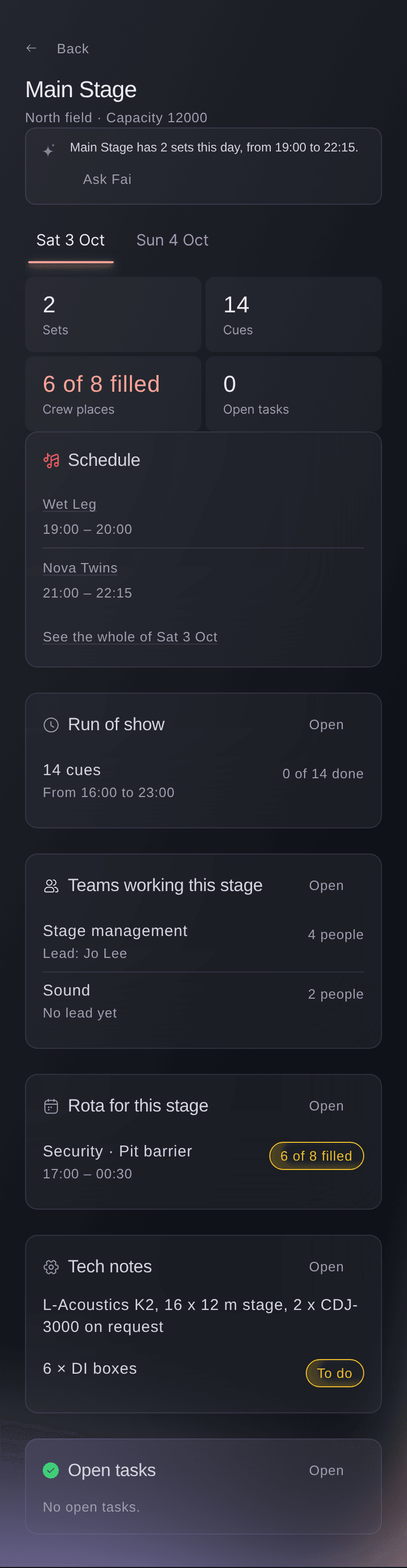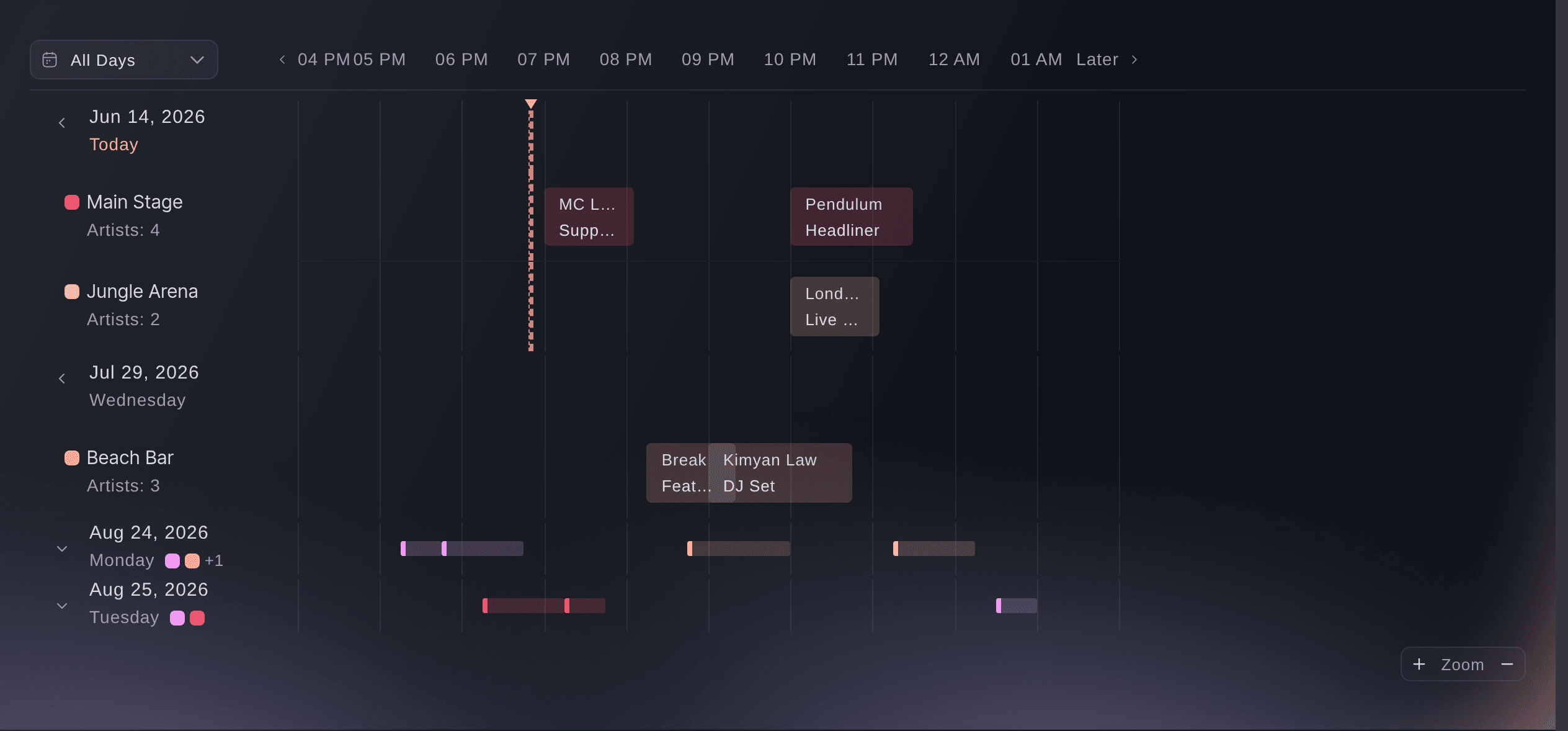
See each stage's day on one timeline
Each day of your event gets its own timeline, with one row per stage and each set laid across the hours. A stage promised to two acts at the same hour stands out long before anyone finds it on the day. Two sets that overlap on a stage show as a conflict, with the clashing set named. Open any set to change it, and everyone looking at the timeline sees the change.
Switch to the table when you want the sets as a list. Narrow it by stage or by day, or search for an act, a stage or a note. A set that crosses midnight stays on the day it started, which is how the people working it think about it. While the day runs, the set on stage now is marked.
Version history keeps each change to a set with who made it and when, so a moved time is never a mystery. The same timeline works for a conference agenda, a film festival's screenings and a sports event's matches. Each one uses the names that kind of event uses.
- One row per stage: each set across the hours of the day
- Conflicts flagged: two sets booked on one stage at once
- Timeline or table: by stage and by day, with search