Set up a whole season of entry times at once
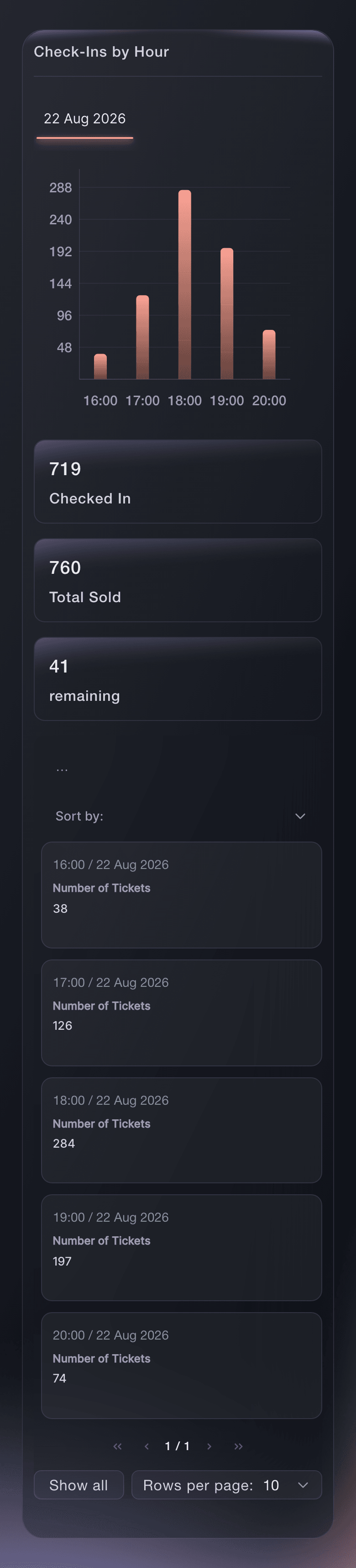
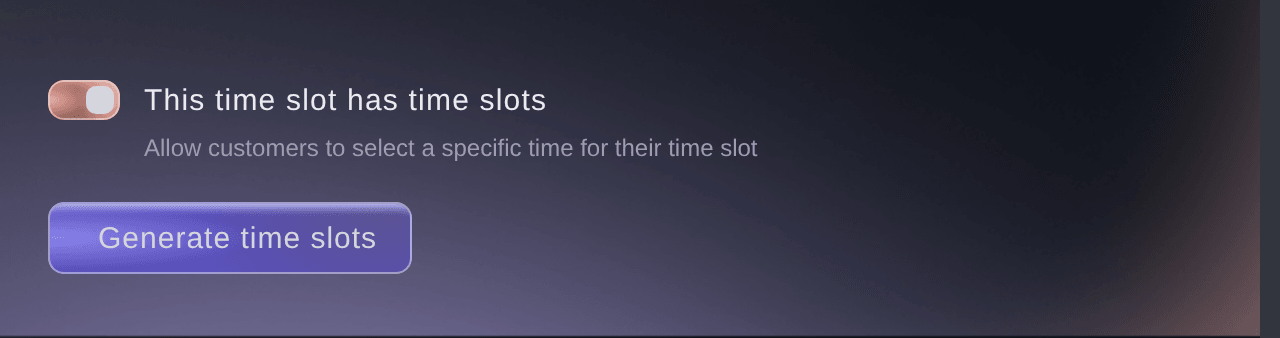
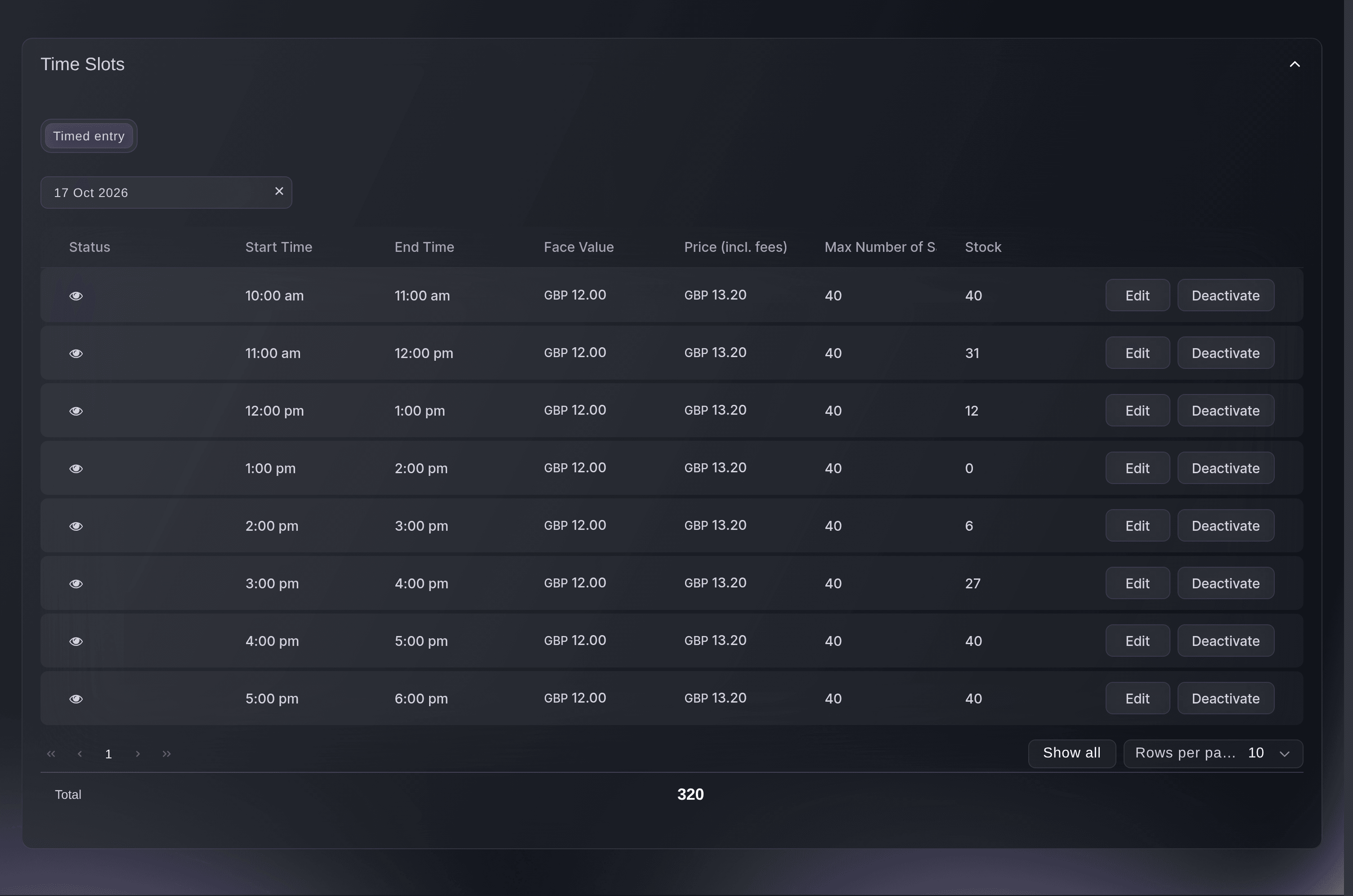
Museums, galleries, immersive attractions, tours and food festivals sell entry by the hour, so the space never overfills and the queue outside stays short. Turn on time slots for a ticket type and choose your date range and the weekdays you open. Add your first and last entry time, the slot length, the price and how many visitors each slot takes. Generate Slots creates all the slots for you.
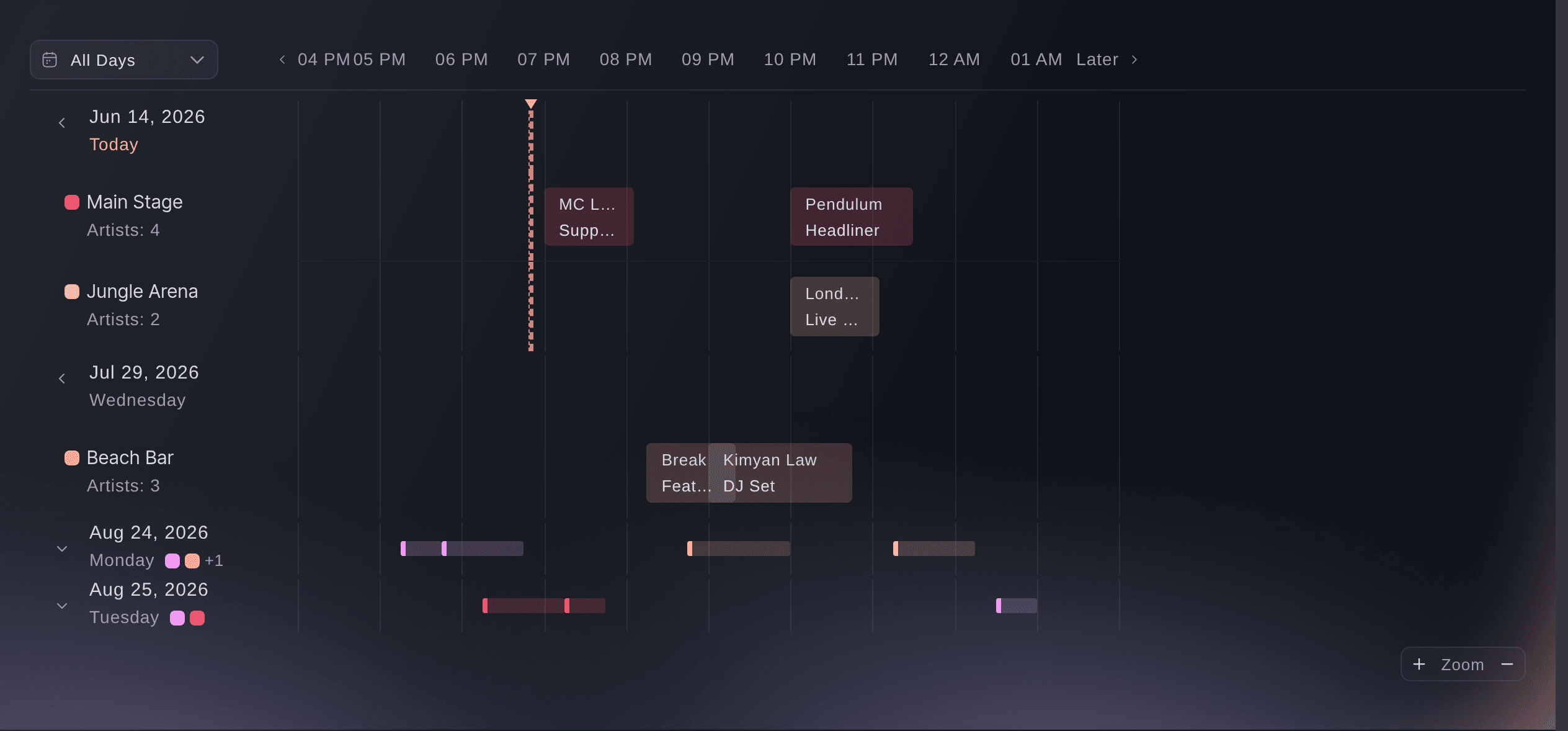
Leave out the dates you are closed with Exclude Specific Dates, and let a late slot end the next day for an evening event. To add a new run of dates later, use Generate time slots on the same ticket type, and the new slots join the same calendar. Make one ticket type for each kind of entry, such as General entry and Members, and each gets its own slots. Deactivate a slot to keep it for later, or ask Ticket Fairy to delete the slots you no longer sell, so visitors only see the times you are open.
- Generate Slots: all your entry times across your dates in one step
- Exclude Specific Dates: closed days left out before the slots are made
- Slot can end the next day: late sessions that run past midnight