Know where your day starts before you open your email
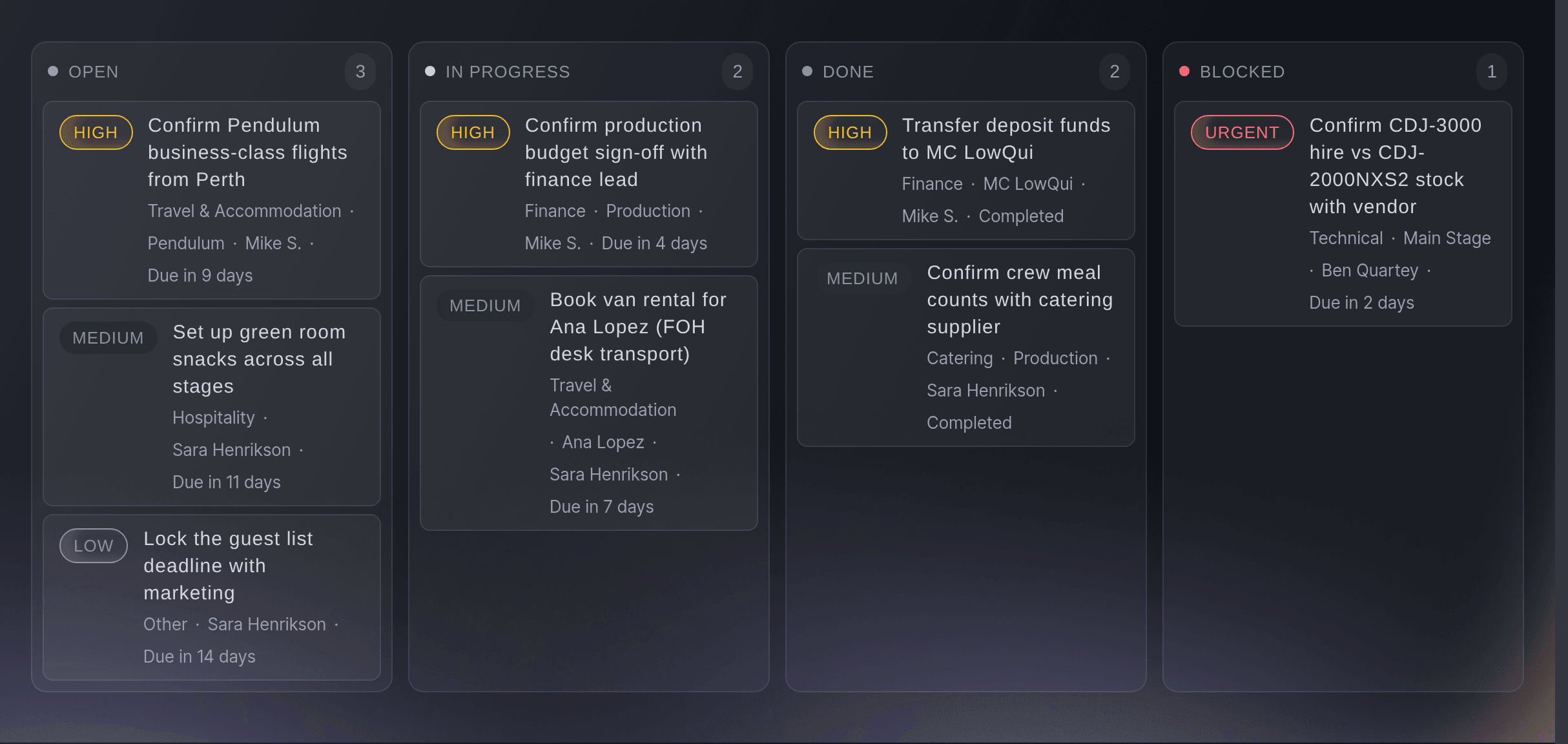
Open your event and the countdown to doors sits at the top. Beside it you see this week's ticket sales against last week, the decisions waiting for you, late tasks and what is due this week. Here's what's yours lists the tasks your team gave you, your departments and the stages you call. One button asks Fai what you should do next.
Since you were last here shows what your teammates changed since your previous visit, newest first, with the name of each person. Recent activity at the foot of the page keeps each approval, reminder and turned-down suggestion with the teammate who made it, so nobody has to ask who decided what. Compared with last time shows your sales against your last edition at the same point. Time Fai saved shows the work Fai has already taken off your team on this event.
Fai checks your event every hour and lists what she finds under Needs your decision, from late tasks to acts with no hotel. Each item comes with the email or tasks already drafted. Nothing is sent or changed until someone on your team approves it.
- Countdown and figures: days to doors, tickets sold, decisions, late tasks and this week's deadlines
- Here's what's yours: your tasks, your departments and the stages you call
- Since you were last here: what your team changed while you were away, and who changed it
- Needs your decision: Fai's suggestions, drafted and waiting for your yes