Approve press, run the photo pit and share event photos

Media apply through your own form, and your press office approves them with photo, video and interview permissions. Approved press get passes for the zones you choose.

Ticket Fairy Approvals with two press pass requests waiting, the step each is on, and facts such as how many passes each outlet has left
  • Press approved before the gates open
  • Clear photo, video, interview and embargo permissions
  • Only approved photographers in the pit

Get media applications through your own form

Start a press accreditation form on your event and share its link with the media. Journalists, photographers, video crews and creators enter their name, their outlet and its website. They say what they will cover, from a review and photos to video, interviews and social media. They add how many people read, watch or follow them, and their letter of commission. Each person who sends the form joins your press list as an application for your team to review.

The answers also stay on the form. Any answer with no place on the press list goes into the journalist's notes, so you keep all they told you. Add a journalist by hand when your press officer meets them at a launch. Import a CSV file when an agency sends a list. Each entry keeps the outlet, contact details and a credential document, such as a press card or portfolio. Your reviewer has the full picture.

  • Press accreditation form: outlet, coverage, audience and commission letter
  • Straight onto your press list: each journalist joins as an application
  • Import a list: from a CSV file when an agency sends one

Approve the right media with clear permissions

Each application goes from applied to verified to approved, and shows the kind of media. That can be general, industry and market press, TV and radio, photographers, video crews, social media creators, student press or foreign press. Tick what each journalist may do: take photos, film or interview. Tick whether they signed your embargo agreement. Your press list counts the approved photographers and video crews, so you know how busy the pit will be.

Verify, approve or decline requests one at a time, or tick many and decide them together, with one reason for all the declines. Each decline keeps its reason, and if you need to take back an approval, you rescind it and the record stays. Each application shows who verified the credentials and when, and keeps a version history. Assign it to the team member who owns that outlet. You see when a teammate has the same application open, so two press officers never answer the same outlet twice.

Give an approved journalist a badge number from the list, search by name, outlet or email, and download the list for your press office. Each download is recorded.

  • Kinds of media: photographers, video crews, TV and radio, student and foreign press
  • Verify and approve: one at a time or in batches
  • Permissions: photo, video, interview and a signed embargo
  • An owner for each request: the press officer who looks after that outlet

Get press passes approved by your press office and security

Set an approval rule once, such as "when passes from press organisations come in, ask the press office, then security". Each press pass waits for each step in turn, and goes out only when the last step approves it. Approvers decide from a link in their email, with no sign-in. Beside each request they see how many passes the outlet has left and whether the person had a pass at your last event.

When an approver declines, they enter a reason, and the outlet sees it on its own page. Requests whose names close soon are marked urgent. When your press officer is away, an owner or admin of the event decides for them. Their own name and reason stay with the decision.

  • Approval rules: your press office first, then security
  • Decision links: approvers decide from their email
  • Reasons go back: the outlet sees why you declined a pass
Ticket Fairy approval rule for press passes from press organisations, asking the press office first and security second

Let newspapers and photo agencies name their own people

The outlets you work with each year know who they are sending long before you do. Add each newspaper, broadcaster or photo agency as an outside team of the press kind. Give it a number of press passes and a date when names close. Email its contact a page of their own, with no sign-in. They name their journalists and photographers, add badge photos and see each pass go from waiting to sent.

The page opens in the contact's own language, and the people they brought to your brand's last event come back as a one-tap suggestion. Each person they name goes through your approval rules, so your press office still sees each name before a pass goes out.

  • Press outlets as outside teams: a number of passes for each outlet
  • Badge photos: added by the outlet for each person it names
  • People from last time: last event's names added again in one tap
Ticket Fairy page a newspaper's contact opens from their link, with the press passes, the people named, what is still needed and a language picker

Keep the photo pit to the photographers you approved

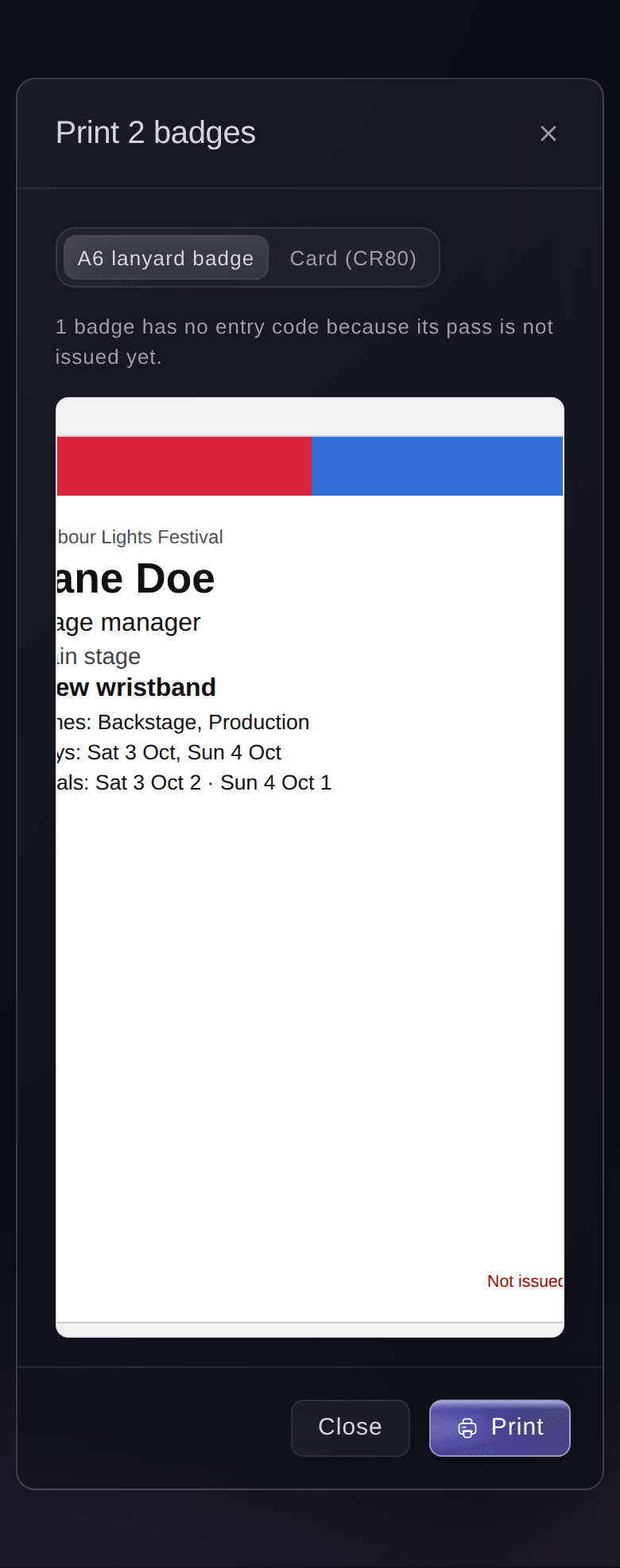
When you bring people into Accreditation, approved press join your pass list in a press group with the number of passes you set. Give the press pass type its zones, such as Press pit and Backstage. Set the days and hours it works, and print a photo on the badge. Your staff gate team checks each press pass in and out of each zone. The pit holds only the photographers you approved.

Pit slots come from your running order, so each approved photographer knows which acts they shoot from the pit and when. Your stage team and press office work from the same set times. Each act's photo rules sit with its pit slots, so photographers know what the act allows before they shoot. An embargo on coverage tells them when their pictures and reviews can go out.

A photographer with a Saturday-only pass is refused at the pit gate on Sunday, and your gate team sees why on the gate phone. When the press office agrees, your supervisor can let someone through with a reason. The reason stays with the scan. On site now shows how many press are inside each zone, with their names and the time each went in.

  • Press passes: in a press group with its own number of passes
  • Press pit zone: checked by your staff gate team on each scan
  • Photo badges: the photographer's face, zones and days on the badge
Ticket Fairy Zones and pass types dialog with Backstage, Production and Artist village zones, and a crew wristband set to open two zones on two days with two meals a day

Keep journalists informed before and during the event

From Messages, email or text your press by status, such as everyone approved, together with any crew or teams who need the same news. Start from a quick show-day message or ask Fai for a draft. Check exactly who gets it before you send, schedule it for later, and see who received it and who opened it.

Use it for the photo call time, a change to the pit rota or the press conference room. Send it again to anyone who did not receive it. Each person's messages about the event are listed against them. Your press office can answer an outlet that says it heard nothing. Keep your journalists and outlets on your press list, send them your press releases and log the coverage they publish. You see what the media said about your event and which outlets to invite again.

  • Email and text the press: chosen by status, such as approved
  • Drafted by Fai: for you to check before you send it
  • Who received it: sent, opened or not received for each person
  • Press releases and coverage: sent to your press list, with the coverage each outlet publishes
Ticket Fairy Message people dialog with the groups to choose from, email or text message, quick show-day messages, a box to ask Fai for a draft and the message fields

Get each photo back with its credit and usage rights

Each photographer, videographer and creator uploads their work through their own link. Your team gets the shots without chasing file transfers and messages. Each upload goes into your brand library with the credit of the person who made it. Its usage rights stay with it. Your team knows how they may use a photo or video in a post, an ad or a press pack.

Fai picks assets from your brand library for your social posts and ads. Your marketing shows your own event at its best, and your team saves time searching through folders.

  • Upload link: one for each photographer and creator
  • Credits: the photographer or creator on each file
  • Usage rights: kept with each photo and video
  • Picked by Fai: assets for your social posts and ads

Sell your next event with this event's photos

The photos and video from your event sell the next one. Add them to Marketing Assets with a caption ready to paste and the channel each one suits. Your promoters download them beside their own promoter link. Each post sells tickets, and each sale is credited to the promoter who shared it.

Keep shots for one event on that event, or put them in your brand library, ready for promoters across all your events. Sort them into folders and tags, and hide an asset until you are ready. Or schedule it to go live at the minute you choose, and email your promoters when it does. Each asset counts its downloads, so you see which shots your promoters used most. Your brand kit keeps your logos, colours, fonts and tone of voice for all your team's content.

  • Marketing Assets: photos, video and captions for each event
  • Brand library: assets ready for all your events
  • Go live on time: promoters emailed when an asset goes live
Ticket Fairy Edit tab of a festival's Marketing Assets page, with three assets and the button to add another

How organisers run press and media with Ticket Fairy

  • A music festival photo pit

    Photographers apply through the press accreditation form with their commission letters. The press office approves forty and ticks photo permission on each. Their passes open the press pit on the days they were commissioned for.

  • A film festival with international press

    Foreign press and trade titles apply months ahead. The press team verifies credentials in batches and records who signed the embargo agreement. A rule sends each press pass to security after the press office.

  • A national newspaper group

    The newspaper is an outside team with six press passes. Its picture desk names the photographers on its own page the week before and adds their badge photos. It sees each pass sent once the press office approves.

  • A sports event with sideline reporters

    TV and radio crews get passes that open the media zone and the tunnel area on match day only. The staff gate team refuses a reporter on the wrong day and sees why. The press officer lets one late arrival through with a reason.

  • A promoter reusing last year's shots

    The marketing team adds the best photos from last year to the brand library with captions for each channel. Promoters download them for the new on-sale, and the download counts show which shots they used most.

Questions About Press and Media Accreditation

Press & media

Open Press on the event's Operations page. Music, conference, business, convention, film, sports and food and drink events show it from the start. On other events, open it from More sections.

General, industry and market press, TV and radio, photographers, video crews, social media creators, student press and foreign press.

Each application keeps the journalist's name, email and phone, their outlet and its website, and the kind of media. It shows whether they may take photos, film or interview, and whether they signed your embargo agreement. It also holds their badge number, a credential document and your team's notes. You also see who verified the credentials and when.

Not from the press list. Tell approved press from Messages. A journalist named by an outside team sees a declined pass and its reason on their outlet's page.

Yes. Rescind it, and the application keeps its history. A declined application always keeps the reason you gave.

When you bring people into Accreditation, approved press are added to the pass list, ready for you to issue with the press pass type. Each journalist gets their pass by email as a ticket your door team scans like any other.

Yes, as a CSV file of the applications you are looking at. Each download is recorded with who made it, and you can import the same file back.

The second save does not overwrite the first. You see that a teammate changed it, with the latest version, and make your change again on it.

Yes. Ask Fai to add, change, verify, approve, decline with a reason or rescind a press request. She shows you the change and waits for your yes before she saves anything, and she never emails the journalist.

Ready to Build a Stronger Event Business?

Book a live demo, and we will set up your first event on the Event Operating System with your team.

Start Selling Tickets Online

Sign up without a credit card and build a test event before you commit. Go on sale in minutes when you are ready.

No monthly subscription required for ticketing
Start selling tickets immediately
Ticketing tools included in the service fee
Get Started for Free Talk to Fai Now

Ask Fai, our AI assistant, about Ticket Fairy’s features, pricing and how it could work for your event.

No credit card required

Book a demo call

See the referral model that drives 20% more ticket sales on average, learn which campaigns sell tickets, answer buyers faster and keep queues moving.

45-Minute Video Call
Pick a Time That Works for You

The Ticket Fairy, Inc. is a fintech company and technology platform. The Ticket Fairy, Inc. is not a bank, financial institution, or regulated financial services provider. Vault banking services are provided through regulated banking partners. Ticket Fairy Capital financing is provided by third-party private credit partners. The Ticket Fairy, Inc. does not make credit decisions, and all funding terms, approvals and conditions are determined by those lending partners.